Structured Work-from-Home Approvals and IP Tracking
Coordinate hybrid working policies, track remote punch legitimacy, and maintain accountability without micromanagement.
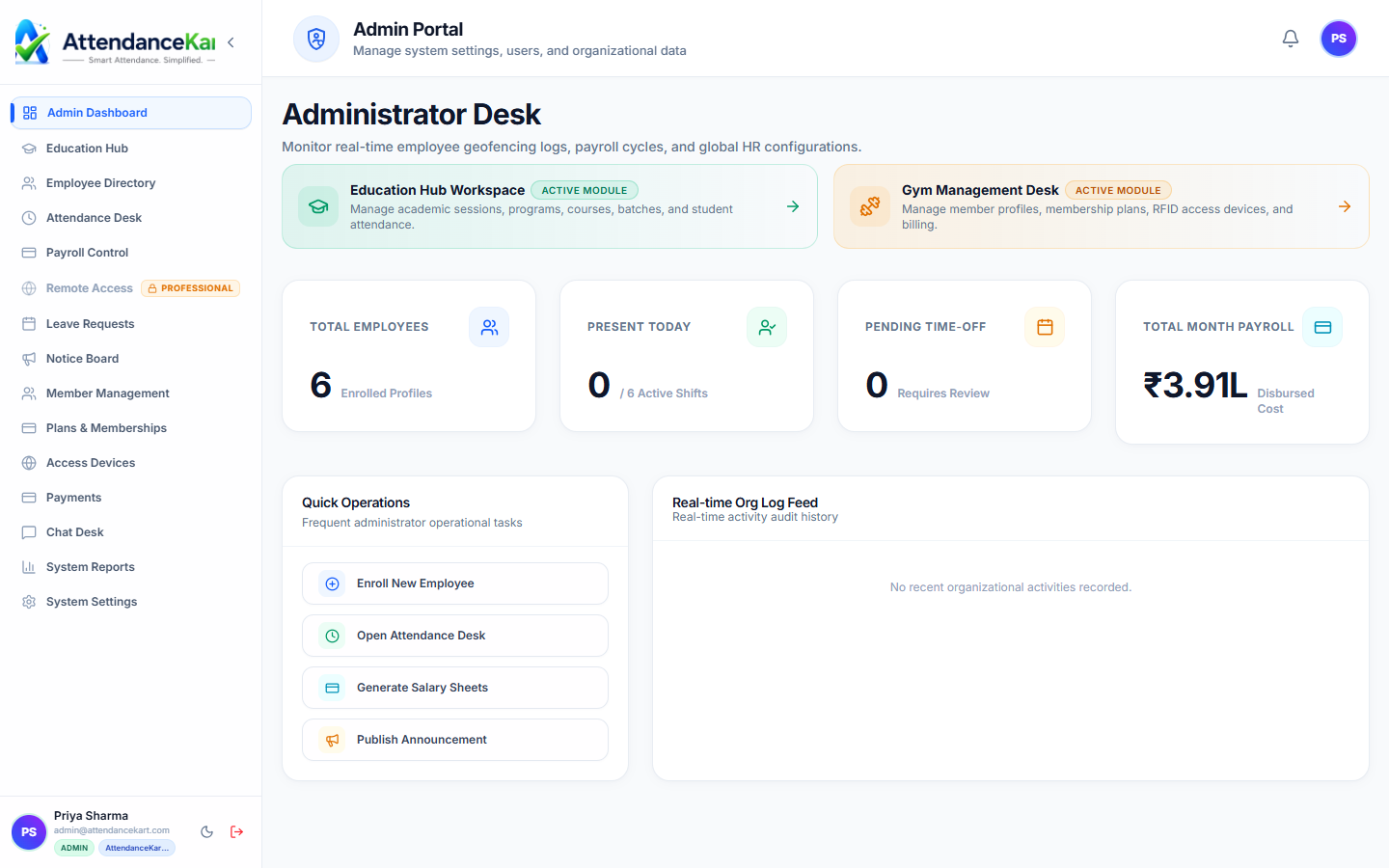
Live screenshot captured directly from the actual AttendanceKart admin portal.
Built for real operations, not theoretical spreadsheets.
Operational challenge:Remote Work Permits allows staff to request remote or WFH days, routes requests through supervisor approval chains, and temporarily relaxes physical office geofences for approved dates.
Intended administrators:Hybrid Tech Companies, Professional Consultancies, Distributed Teams, Knowledge Workers
Employee WFH Requests
Staff apply for single-day or multi-day remote work with custom reason notes and client justifications.
Manager Approval Steppers
Immediate notification and one-click approve/reject actions for reporting line managers.
Geofence Exception Rules
Approved permits temporarily override strict office geofence requirements for the specified dates.
IP Address & Network Capture
Records client IP address and browser signatures during remote punches for security verification.
Explore Remote Work Permits Capabilities
Every feature below links directly to live screens in the AttendanceKart portal.
Executive Workforce Operations Dashboard
Gain complete visibility over your organization with real-time telemetry, employee statuses, and shift performance.
- Live workforce indicators and shift adherence metrics
- Department-level distribution and attendance percentages
- Immediate action buttons for pending approvals and notifications
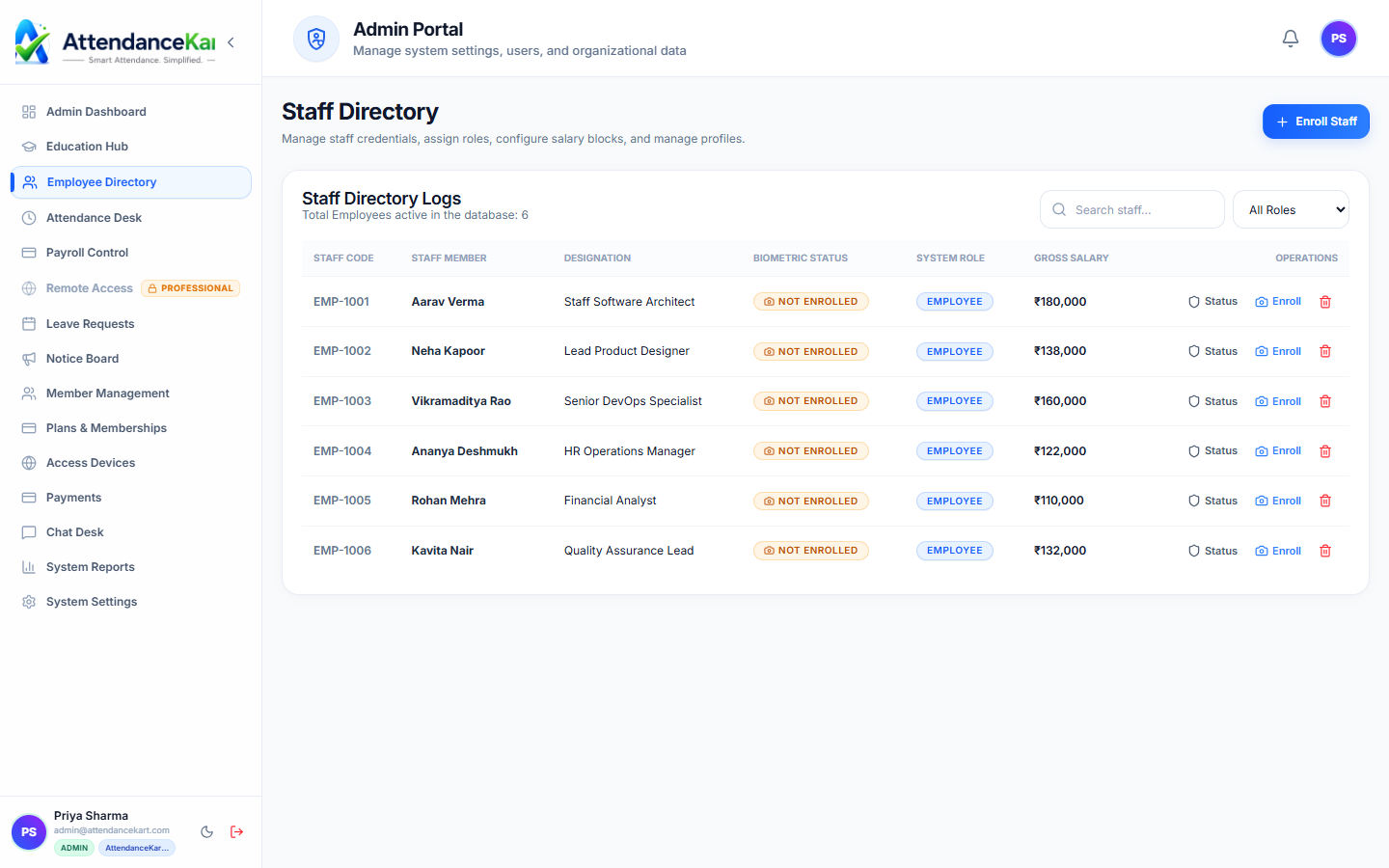
Complete Staff Roster & Profile Management
Maintain accurate employee records with roles, departments, salary packages, and biometric verification status.
- Centralized staff directory with search and filter capabilities
- Biometric enrollment tracking and status verification
- Role-based access control and administrative permissions
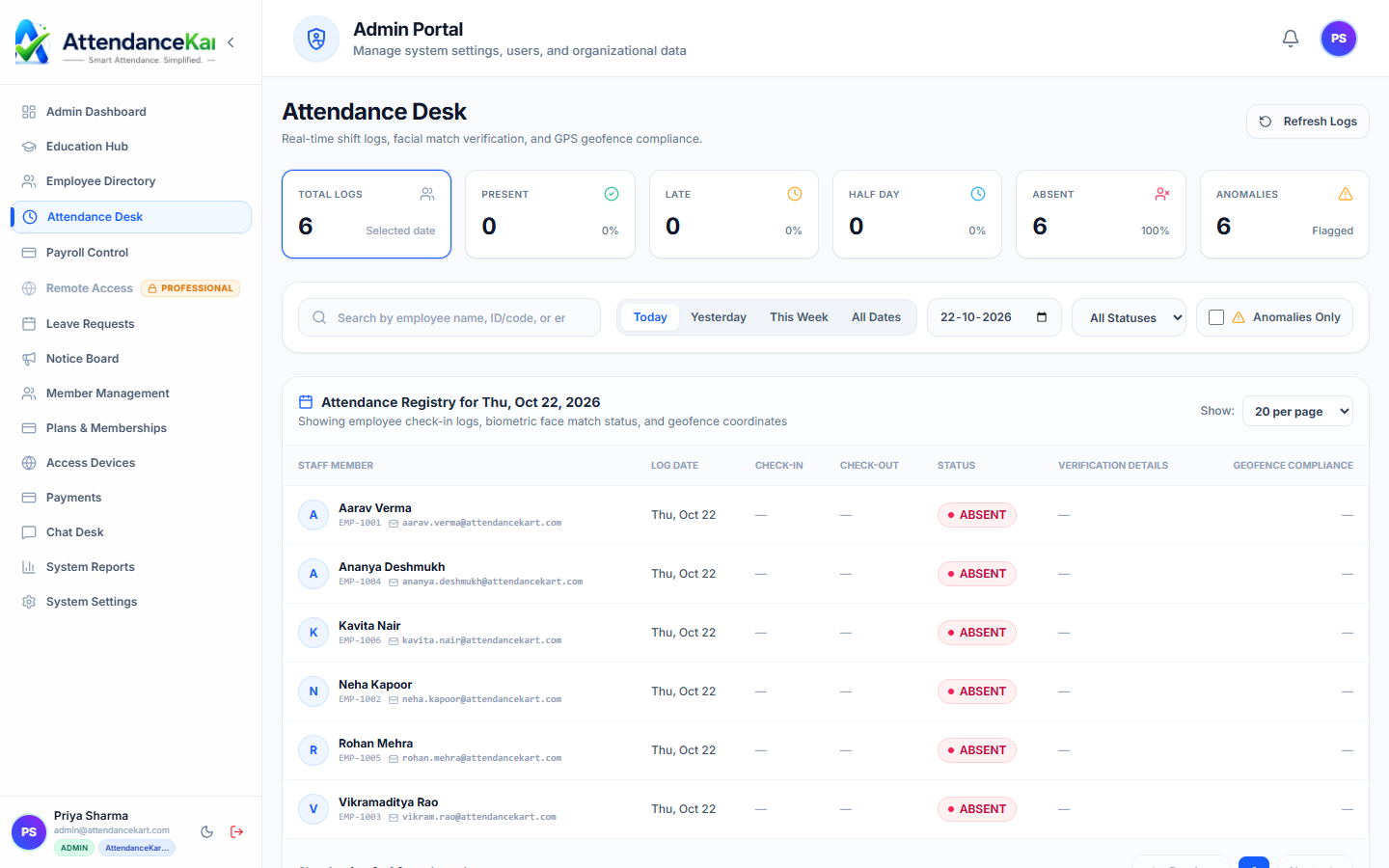
Live Attendance Desk with Verification Tagging
Monitor daily attendance events with high-precision timestamps and tamper-evident audit trails.
- Instant clock-in and clock-out logs from mobile, biometric, and web
- Automated flag detection for tardiness and shift anomalies
- One-click export to payroll processing
How Remote Work Permits Operates
Designed to eliminate manual overhead and maintain flawless operational records.
Employee Submits Permit
Staff member selects proposed remote work dates and enters the justification.
Manager Reviews
The reporting manager receives the request and approves it via their dashboard.
Permit Activated
The system relaxes office boundary checks for that employee during the approved window.
Remote Punches Recorded
Daily clock-ins log as "Present (Remote)" with network metadata for complete records.
Benefits for Your Organization
Direct operational improvements backed by automated record-keeping.
Operational Benefit 01
Gives organizations a structured policy for hybrid work arrangements.
Operational Benefit 02
Avoids false out-of-boundary rejections for pre-authorized remote workers.
Operational Benefit 03
Maintains a clean history of office vs. remote work distribution for reporting.
Operational Benefit 04
Replaces informal verbal or WhatsApp approvals with an auditable HR log.
Connected to Remote Work Permits
AttendanceKart works as an integrated suite. Discover other modules that expand your setup.
Frequently Asked Questions about Remote Work Permits
Realistic answers based on actual software capabilities and deployment options.
Can companies set a maximum quota of remote days per month?
Yes. Administrators can configure monthly remote work allowances per policy tier.
Does the system record employee location while working remotely?
The system logs the city/IP location and device metadata at the punch instant, without continuous tracking.
Can managers reject a remote request if on-site presence is needed?
Yes. Managers can decline requests with a brief explanation note visible to the employee.
Deploy Remote Work Permits for your organization
Experience real-time verification, transparent records, and seamless operations firsthand.