Gross-to-Net Salary Processing Synchronized with Attendance
Eliminate manual pay calculations with automated Loss of Pay (LOP) deductions, earnings structuring, and professional PDF payslip distribution.
Live screenshot captured directly from the actual AttendanceKart admin portal.
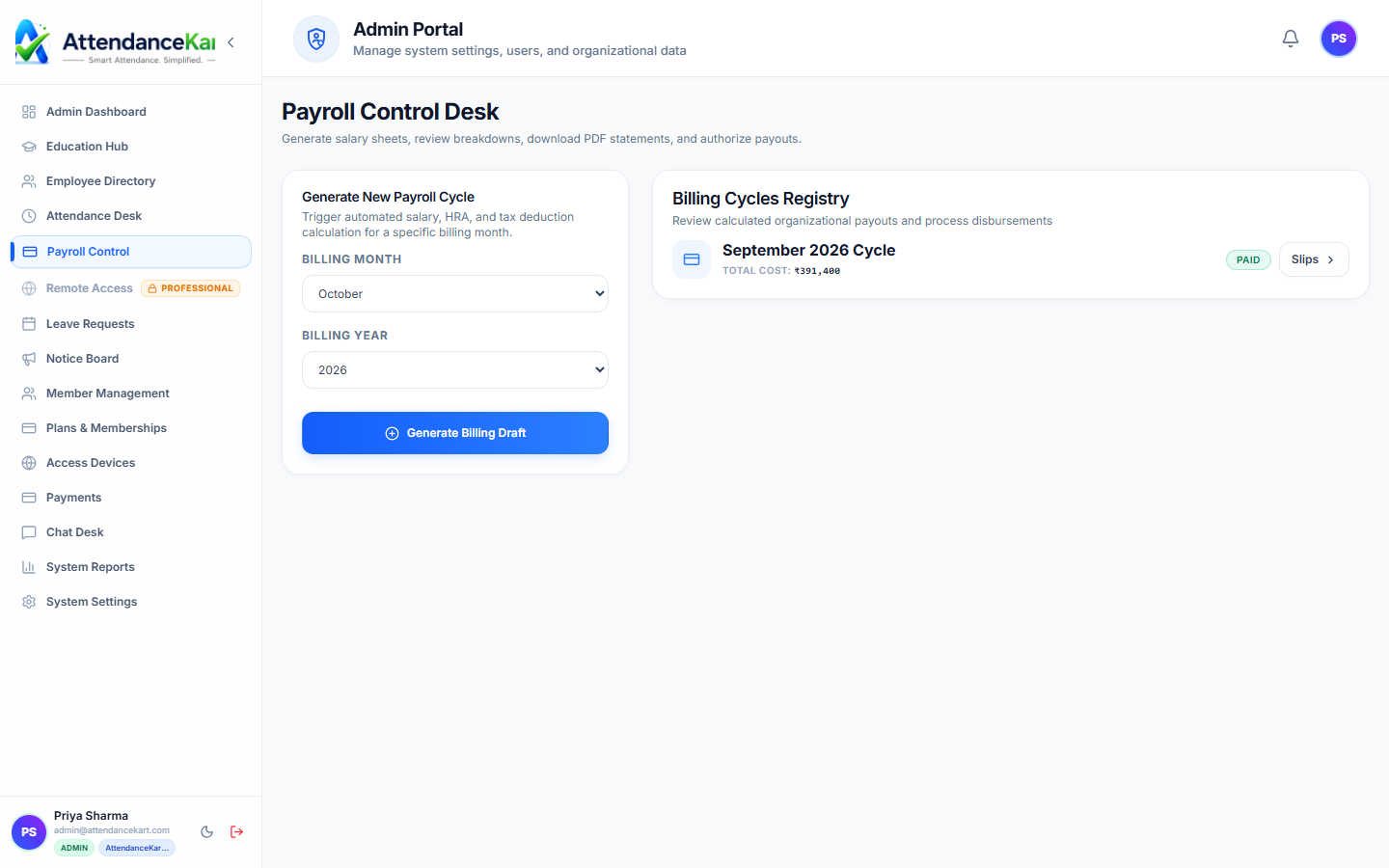
Built for real operations, not theoretical spreadsheets.
Operational challenge:Automated Payroll connects your verified daily attendance and approved leave records directly to gross salary structures, computing payable days and statutory line items for monthly payruns.
Intended administrators:Finance Controllers, Payroll Officers, HR Executives, Business Owners
Attendance-Linked Payruns
Automatically deducts unexcused absences and unpaid leaves from monthly payable day totals.
Salary Structure Configuration
Define Basic, HRA, Special Allowance, and customized deduction lines per employee designation.
Loss of Pay (LOP) Calculations
Precise daily rate computations based on calendar days or standard working days.
Automated PDF Payslips
Generates professional payslips with company branding, accessible in employee self-service.
Explore Automated Payroll Capabilities
Every feature below links directly to live screens in the AttendanceKart portal.
One-Click Attendance-Linked Payroll Processing
Process organization-wide monthly compensation in minutes by automatically pulling present days, leaves, and overtime.
- Automatic basic salary, HRA, and allowance calculations
- Accurate loss-of-pay (LOP) deductions computed from attendance
- Comprehensive review before finalizing and disbursing
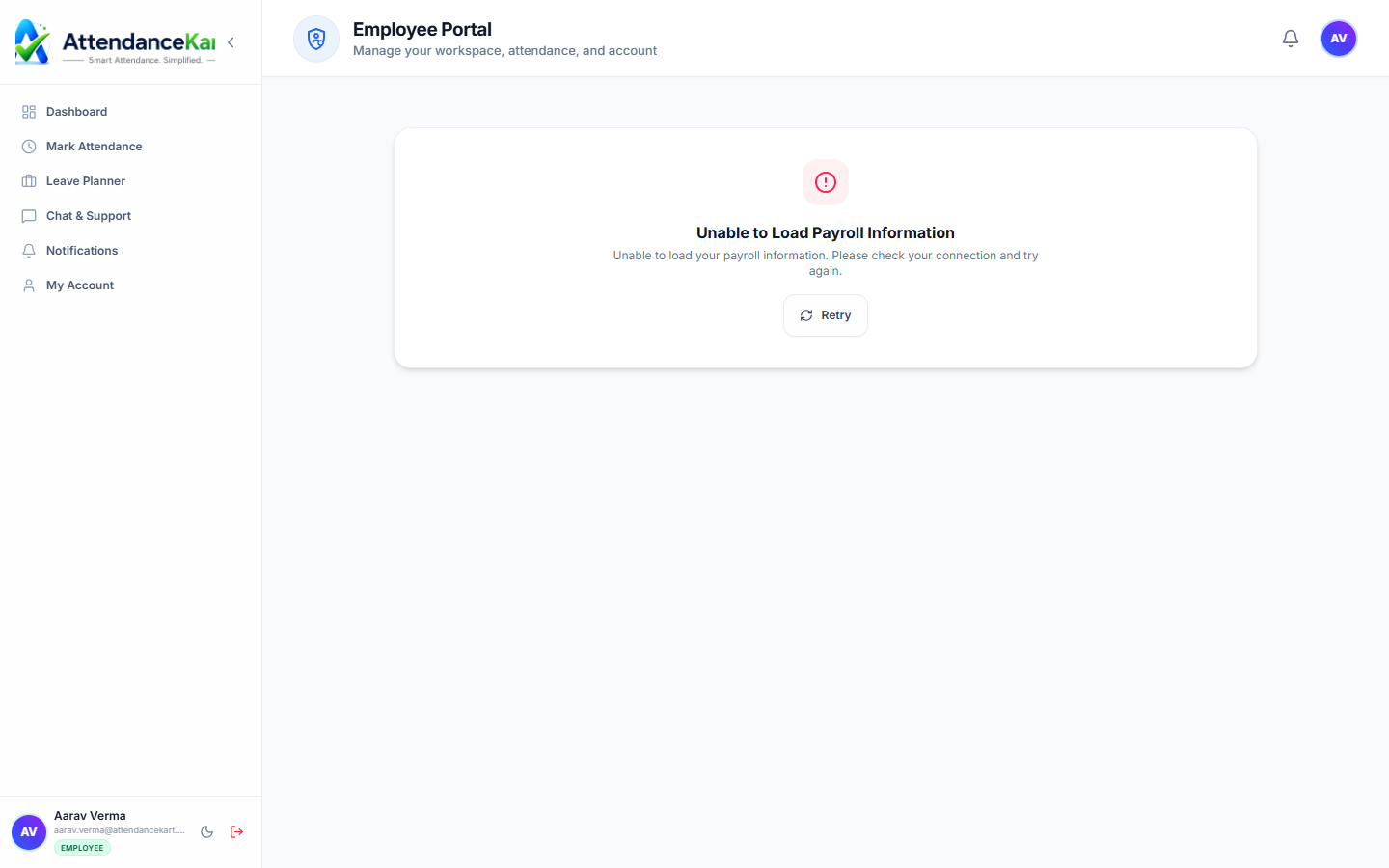
Transparent Digital Payslips for Employees
Staff can log into their personal portal to view and download itemized payslips with full salary breakdowns.
- Itemized breakdown of earnings and statutory deductions
- Downloadable PDF payslips with organizational branding
- Year-to-date compensation and tax summary
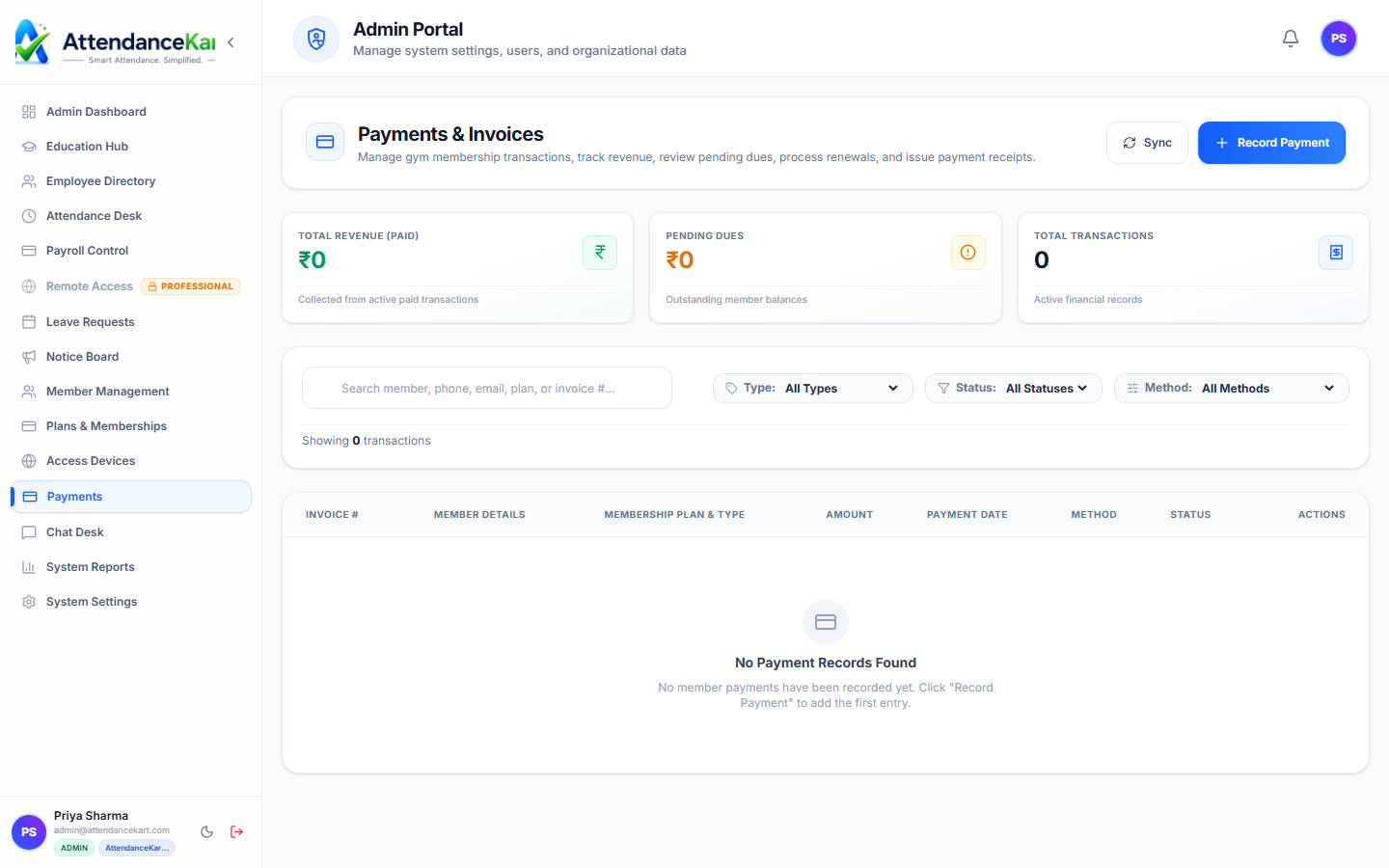
Complete Financial Audit & Transaction Ledger
Track disbursed payouts, payment reference numbers, and generate bank-ready disbursement reports.
- Reconciliation ledger with payment status and dates
- Exportable bank format files (NEFT/RTGS batch upload)
- Complete audit trail for accounting and tax filing
How Automated Payroll Operates
Designed to eliminate manual overhead and maintain flawless operational records.
Month-End Data Sync
The system aggregates final verified attendance days and approved leave records.
Deductions & Additions Calculated
Loss of Pay days, shift allowances, and standard deductions are applied to base structures.
Finance Review
Payroll managers inspect the summary ledger, reviewing gross and net payout totals.
Payslips Published
With one click, payroll locks and encrypted PDF payslips are released to employees.
Benefits for Your Organization
Direct operational improvements backed by automated record-keeping.
Operational Benefit 01
Reduces monthly payroll cycle preparation from days to under one hour.
Operational Benefit 02
Eliminates overpayments caused by unrecorded absences or delayed leave approvals.
Operational Benefit 03
Transparent payslips significantly decrease employee wage inquiries and grievances.
Operational Benefit 04
Provides a consistent, auditable record for internal financial and accounting reviews.
Connected to Automated Payroll
AttendanceKart works as an integrated suite. Discover other modules that expand your setup.
Frequently Asked Questions about Automated Payroll
Realistic answers based on actual software capabilities and deployment options.
Does the system calculate statutory taxes and deductions?
The system provides standard configurable earnings and deduction lines (such as PF, ESI, and standard deductions) tailored to your organizational compensation structure.
Can administrators manually adjust payroll lines before final release?
Yes. Authorized finance administrators can add one-time bonuses, incentive adjustments, or manual corrections during the draft review phase.
How do employees download their monthly payslips?
Employees log in to their self-service portal or mobile app to download signed, watermarked PDF payslips for any historical month.
Deploy Automated Payroll for your organization
Experience real-time verification, transparent records, and seamless operations firsthand.