Actionable Workforce Intelligence and Exportable Ledgers
Transform raw attendance punches and leave requests into executive dashboards, department trend analyses, and audit-ready spreadsheets.
Live screenshot captured directly from the actual AttendanceKart admin portal.
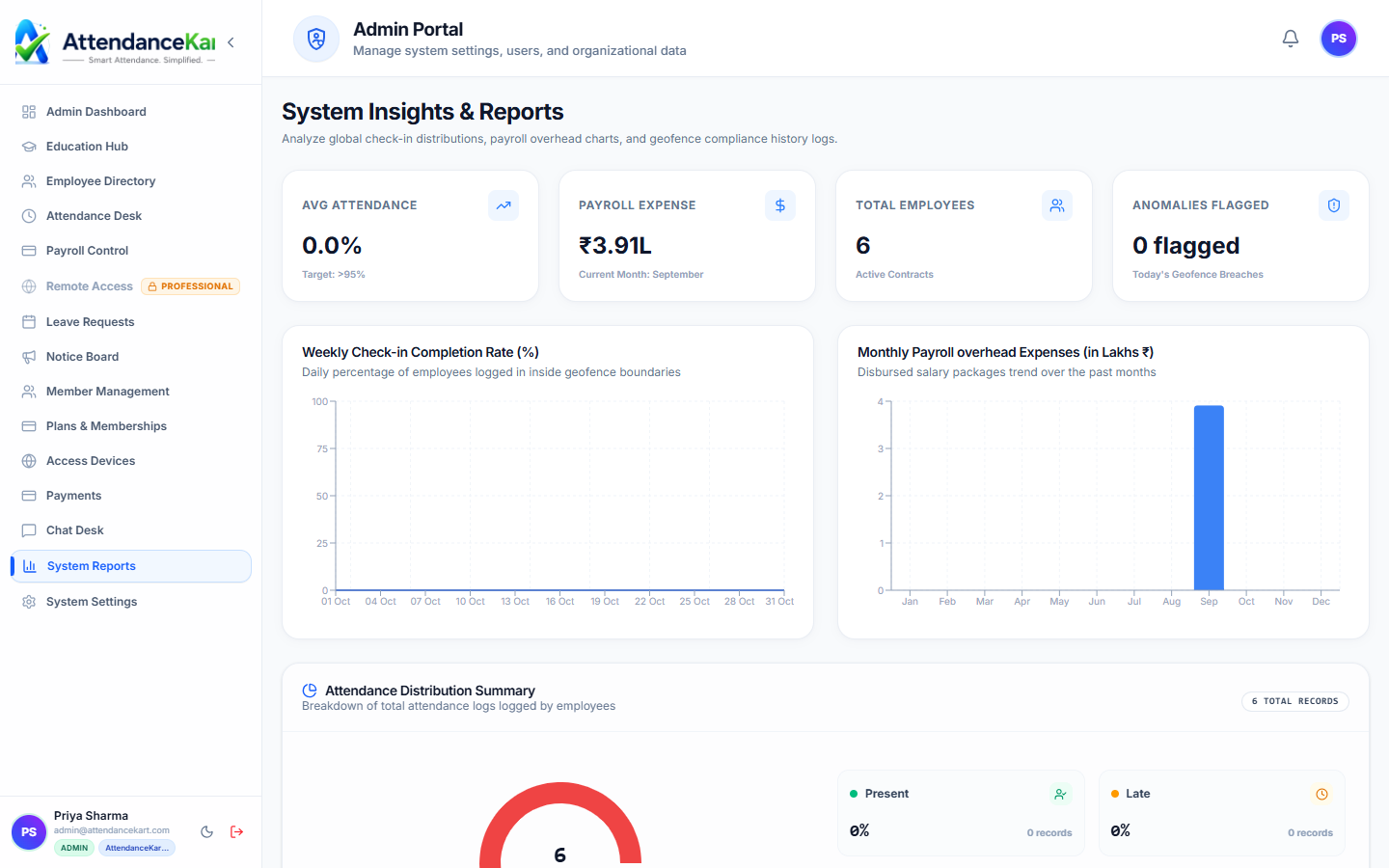
Built for real operations, not theoretical spreadsheets.
Operational challenge:Advanced Reports & Analytics compiles organizational data into visual charts and exportable tables covering attendance rates, absenteeism, overtime trends, and leave balances.
Intended administrators:CFOs & Executives, HR Directors, Department Heads, Statutory Compliance Officers
Daily & Monthly Attendance Matrices
High-density grid views showing present, late, absent, and on-leave states across teams.
Department Absenteeism Trends
Comparative charts highlighting which shifts or divisions experience the highest absence rates.
Leave Utilization Summaries
Tracks company-wide accrued versus consumed leave quotas to anticipate year-end spikes.
One-Click CSV & Excel Export
Download formatted data sheets ready for import into corporate ERP or accounting software.
Explore Advanced Reports & Analytics Capabilities
Every feature below links directly to live screens in the AttendanceKart portal.
Multi-Filter Reporting Engine
Generate granular attendance, overtime, leave, and compensation reports filtered by department, date range, and role.
- Filter by specific employee, team, date range, or shift
- Export clean, formatted Excel, CSV, and PDF documents
- Compliant with statutory labor inspection requirements
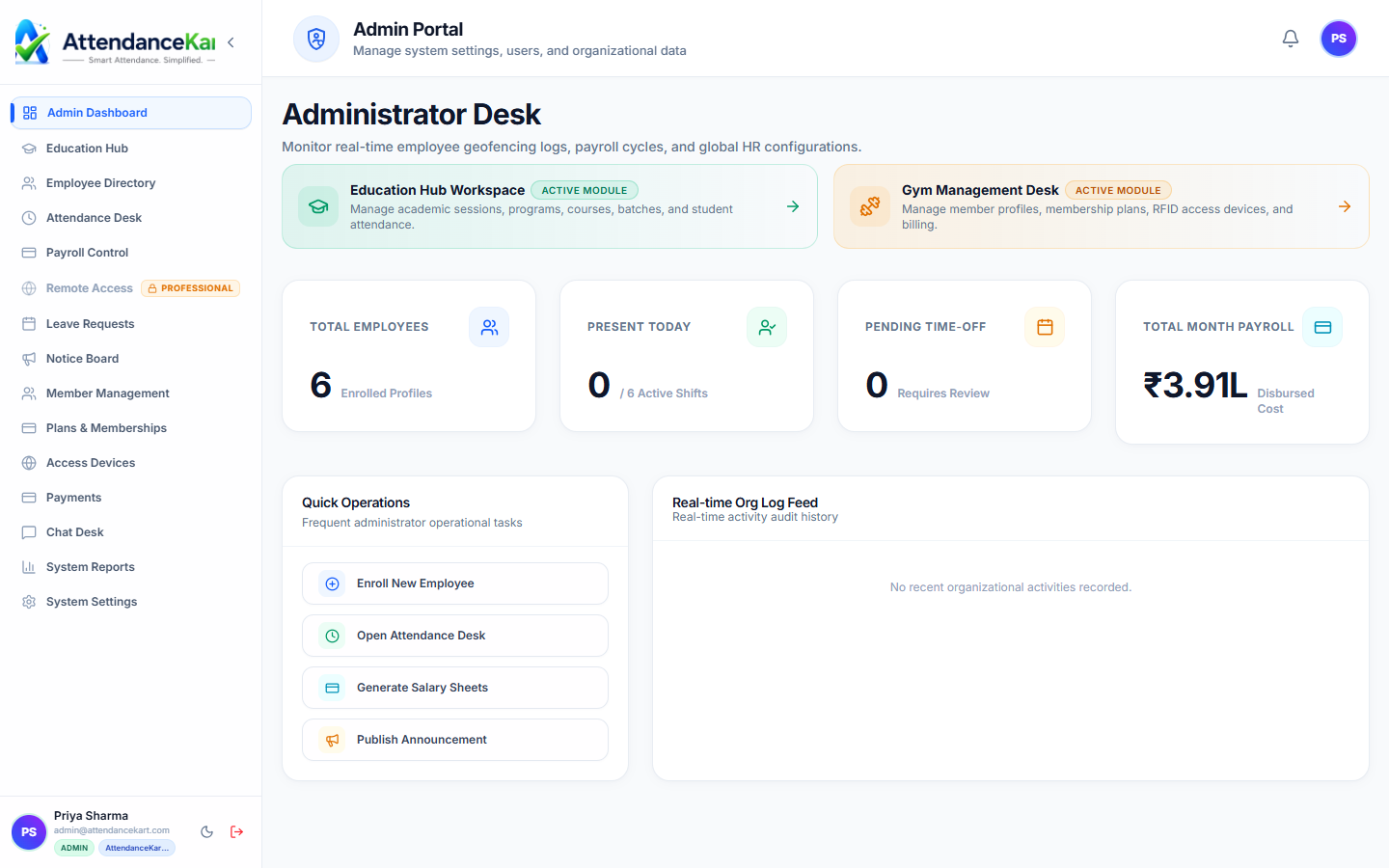
Executive Visual Analytics Dashboard
High-level executive metrics tracking workforce trends, daily presence rates, and operational capacity.
- Real-time workforce headcount and department distribution
- Historical presence trends and seasonal absenteeism patterns
- Instant alert badges for policy violations
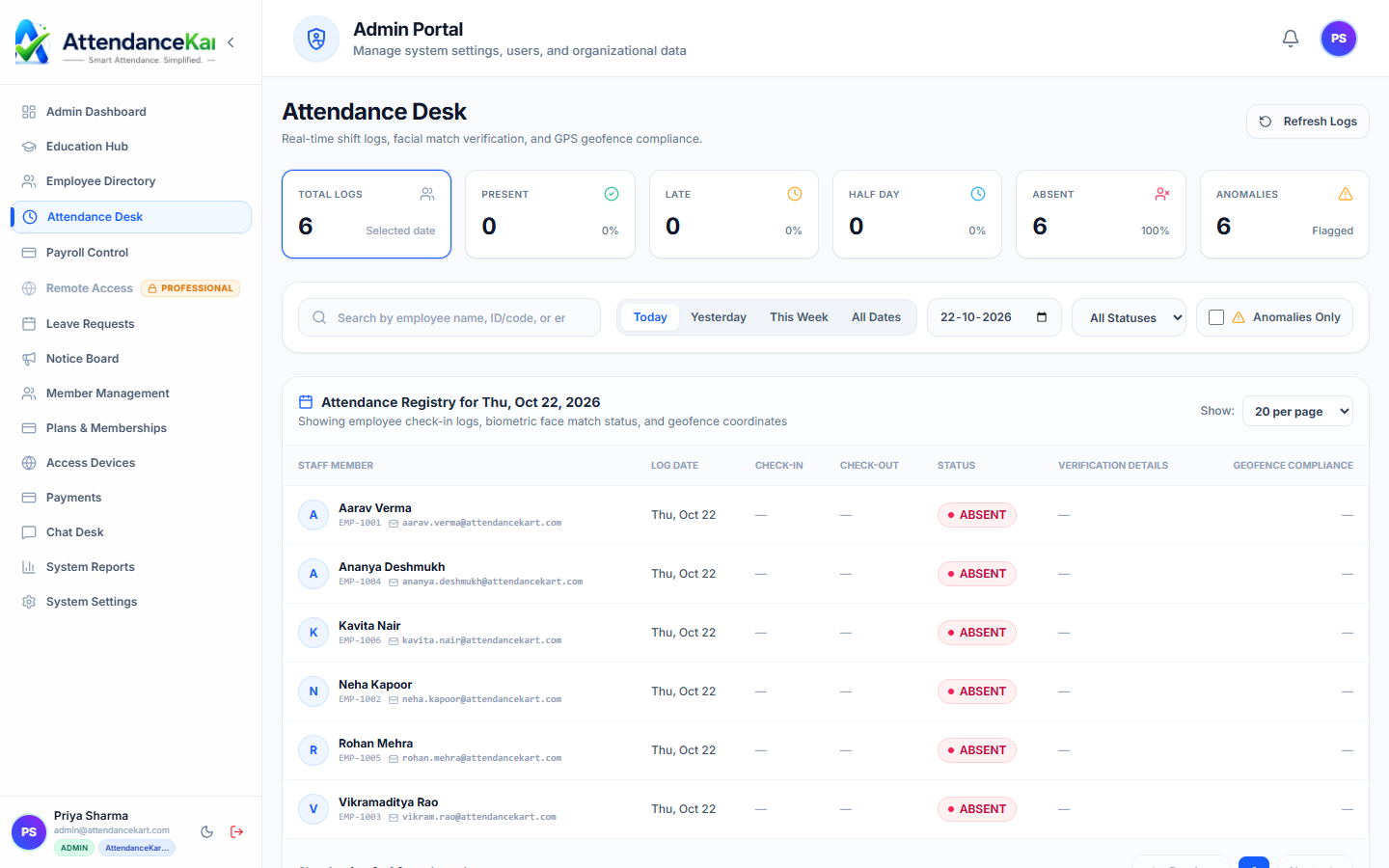
Uncompromised Punch Log Verification
Audit every individual check-in and check-out with biometric confidence tags, timestamps, and geolocation tags.
- Detailed historical punch logs preserved securely
- Traceability to the physical device or mobile client
- Tamper-evident logs for dispute resolution
How Advanced Reports & Analytics Operates
Designed to eliminate manual overhead and maintain flawless operational records.
Select Report Template
Choose from Attendance Summary, Late Arrivals, Leave Ledger, or Payroll Register.
Apply Parameters
Filter by date range, department, branch location, employee designation, or shift.
Analyze Visual Insights
Review interactive charts and breakdown summaries directly in the browser.
Export for Stakeholders
Download print-ready PDFs or spreadsheet ledgers for executive reviews.
Benefits for Your Organization
Direct operational improvements backed by automated record-keeping.
Operational Benefit 01
Gives leadership clear visibility into true workforce utilization and overtime costs.
Operational Benefit 02
Identifies chronic absenteeism and punctuality patterns before they harm output.
Operational Benefit 03
Saves dozens of hours during quarterly and annual compliance audit prep.
Operational Benefit 04
Supports data-backed staffing and hiring decisions across operational units.
Connected to Advanced Reports & Analytics
AttendanceKart works as an integrated suite. Discover other modules that expand your setup.
Frequently Asked Questions about Advanced Reports & Analytics
Realistic answers based on actual software capabilities and deployment options.
Can reports be exported to Microsoft Excel and CSV formats?
Yes. All tabular reports offer instant one-click export to CSV and Excel for external analysis.
Can managers view reports restricted only to their direct reports?
Yes. Role-based access ensures team supervisors see data for their direct reports, while administrators access full corporate reports.
Are analytics updated in real time or as a nightly batch?
Attendance and punch reports update in real time as events occur throughout the workday.
Deploy Advanced Reports & Analytics for your organization
Experience real-time verification, transparent records, and seamless operations firsthand.