Touchless Face Verification and Shared Kiosk Attendance
Eliminate buddy punching and proxy attendance with fast, hygienic facial recognition running on tablets or front-desk computers.
Live screenshot captured directly from the actual AttendanceKart admin portal.
Built for real operations, not theoretical spreadsheets.
Operational challenge:Facial Biometrics matches live camera captures against registered member or employee facial profiles to confirm true physical identity in under a second.
Intended administrators:High-Footfall Offices, Gyms & Fitness Centers, Educational Campuses, Industrial Plants
Touchless Camera Verification
Employees simply stand in front of the kiosk camera for instant hands-free recognition.
Single-Device Kiosk Mode
Run multiple employee punches through one shared tablet mounted at lobby or reception entrances.
Anti-Proxy Identity Matching
Ensures only the registered individual can punch in, completely eliminating buddy punching.
Fast Visual Enrollment
Admins capture reference headshots during employee onboarding in under thirty seconds.
Explore Facial Biometrics & Kiosk Capabilities
Every feature below links directly to live screens in the AttendanceKart portal.
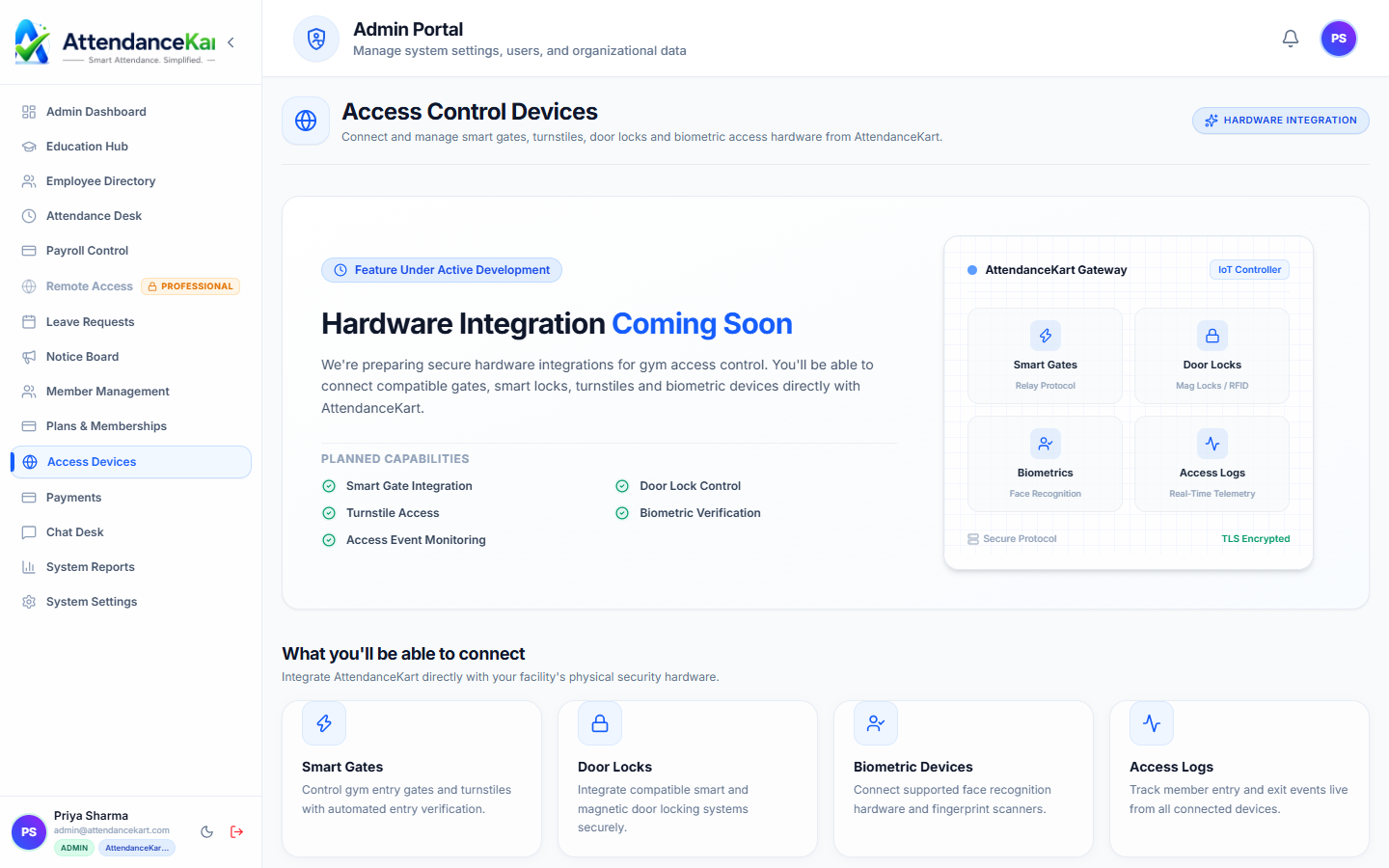
Centralized Kiosk & Terminal Control
Monitor, manage, and push biometric templates to all wall-mounted terminals and tablets across all branch locations.
- Live terminal status and heartbeat telemetry
- Remote synchronization of employee facial biometric templates
- Support for tablets, dedicated kiosks, and turnstile controllers
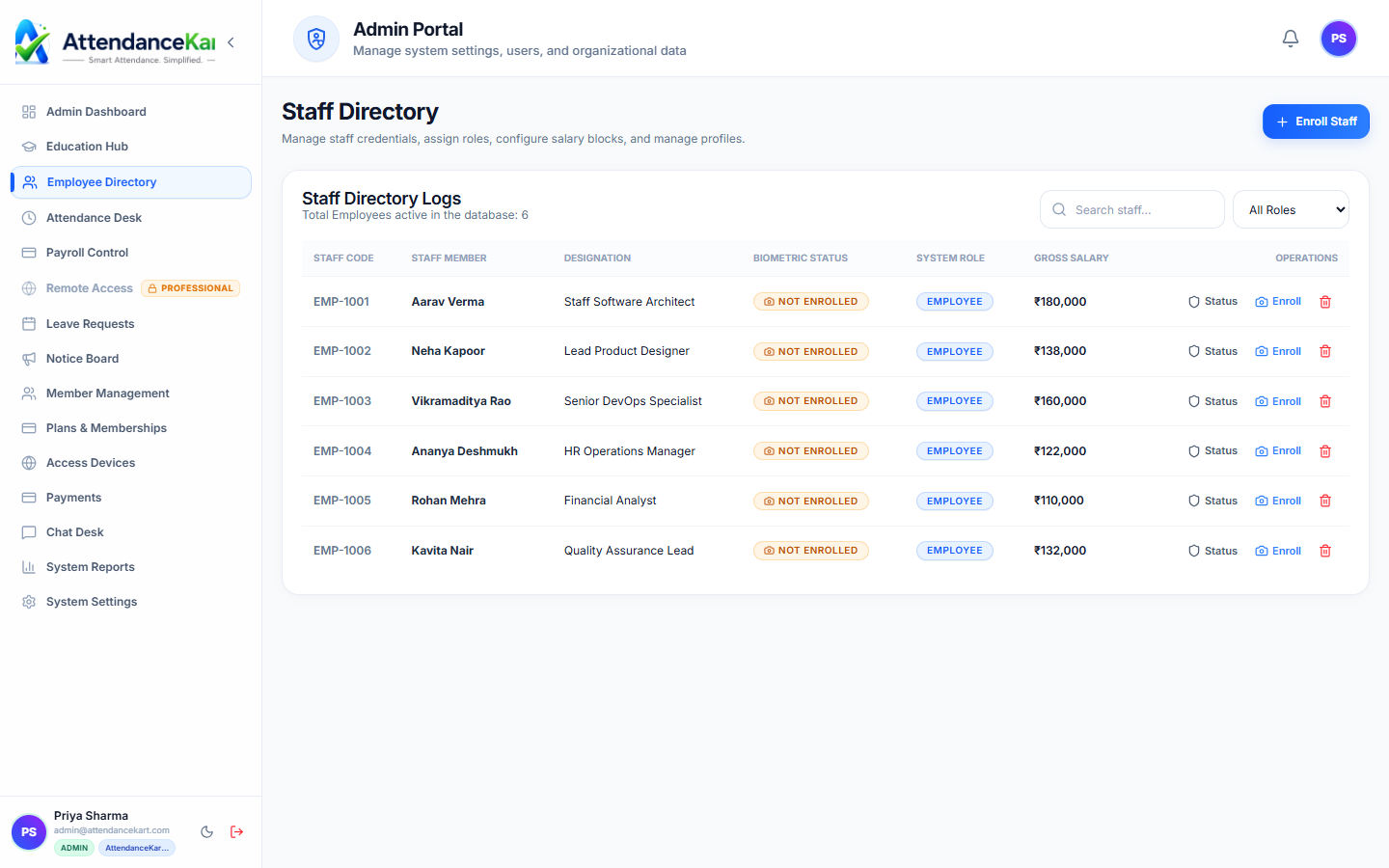
Staff Directory with Enrollment Tracking
Track which employees have enrolled their facial biometric profiles and trigger re-enrollment when necessary.
- Immediate visibility of biometric enrollment status
- Single-click photo upload and vector template generation
- Zero-touch fast recognition (<300ms) at physical kiosks
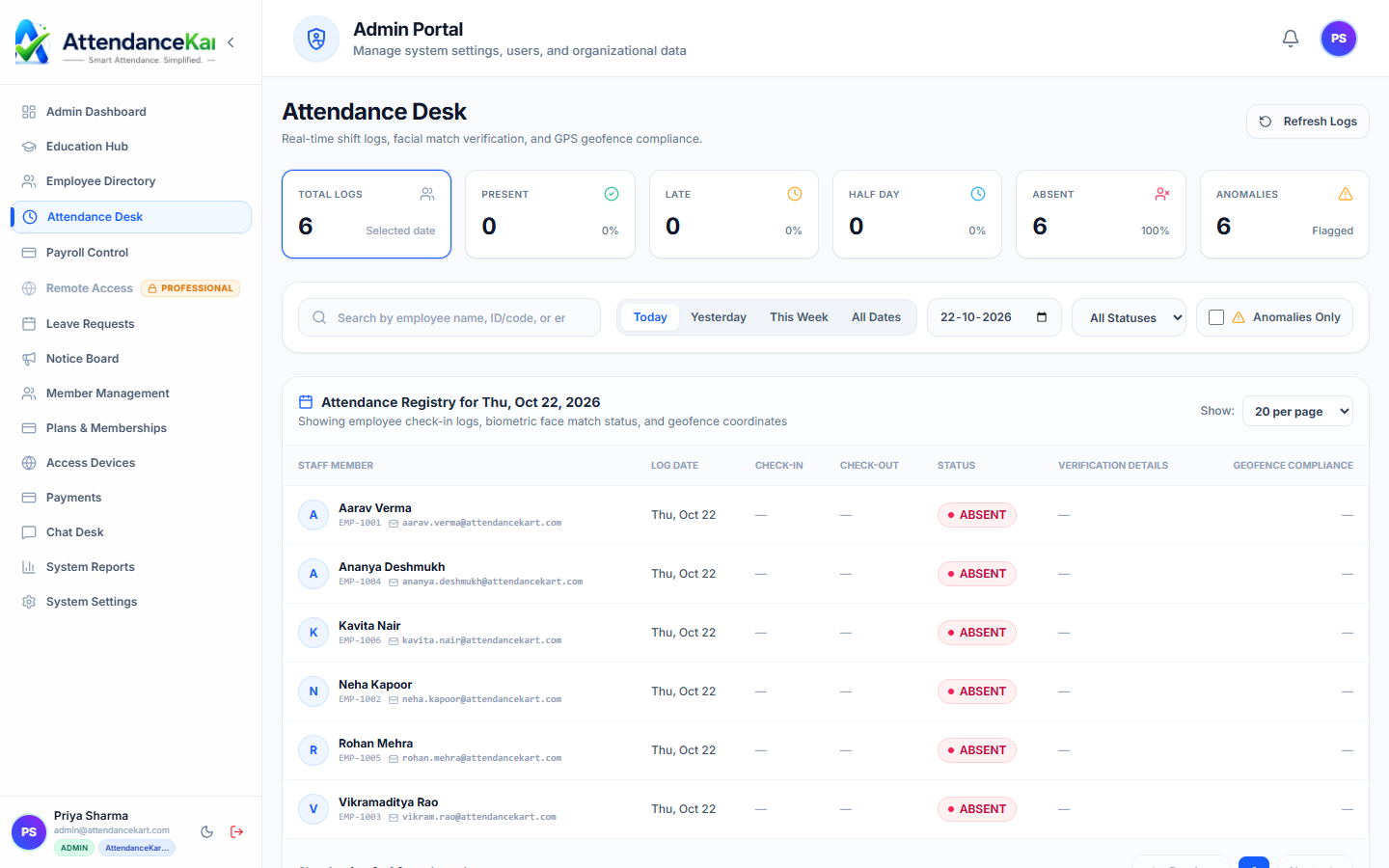
Live Attendance Feed with Biometric Tagging
Every punch recorded at a biometric kiosk is tagged with device ID, verification mode, and confidence score.
- Anti-spoofing liveness detection prevents photo-based fraud
- Offline caching when internet drops with auto-sync on reconnect
- Instant alerts on device disconnections or tamper events
How Facial Biometrics & Kiosk Operates
Designed to eliminate manual overhead and maintain flawless operational records.
One-Time Enrollment
Employee reference face image is enrolled during initial onboarding via webcam or photo upload.
Kiosk Terminal Setup
A shared tablet or reception PC runs AttendanceKart Kiosk mode at the entrance.
Live Camera Detection
Employee glances at the kiosk camera; face features are extracted and compared against the roster.
Instant Confirmation
System displays a visual confirmation banner and logs the arrival with timestamp and photo proof.
Benefits for Your Organization
Direct operational improvements backed by automated record-keeping.
Operational Benefit 01
Eliminates proxy attendance and fraudulent time theft.
Operational Benefit 02
Touchless operation improves workplace hygiene compared to physical fingerprint sensors.
Operational Benefit 03
Saves tens of thousands of rupees compared to proprietary biometric turnstile hardware.
Operational Benefit 04
Speeds up shift transitions by processing employee queues rapidly.
Connected to Facial Biometrics & Kiosk
AttendanceKart works as an integrated suite. Discover other modules that expand your setup.
Frequently Asked Questions about Facial Biometrics & Kiosk
Realistic answers based on actual software capabilities and deployment options.
Does the kiosk require specialized proprietary camera hardware?
No. The kiosk runs seamlessly in any modern web browser on standard tablets, iPads, laptops, or desktop webcams.
How are facial images stored and protected?
Face verification data is encrypted in transit and at rest in compliance with data privacy standards and internal company access controls.
Can the kiosk be used in low-light environments?
The system works best with standard indoor office lighting. For dimmer areas, screen illumination or front-desk lighting assists detection.
Deploy Facial Biometrics & Kiosk for your organization
Experience real-time verification, transparent records, and seamless operations firsthand.