Rapid Entry Verification and Footfall Traffic Management
Verify active membership status in seconds via facial scanning, mobile search, or QR lookup at your reception desk.
Live screenshot captured directly from the actual AttendanceKart admin portal.
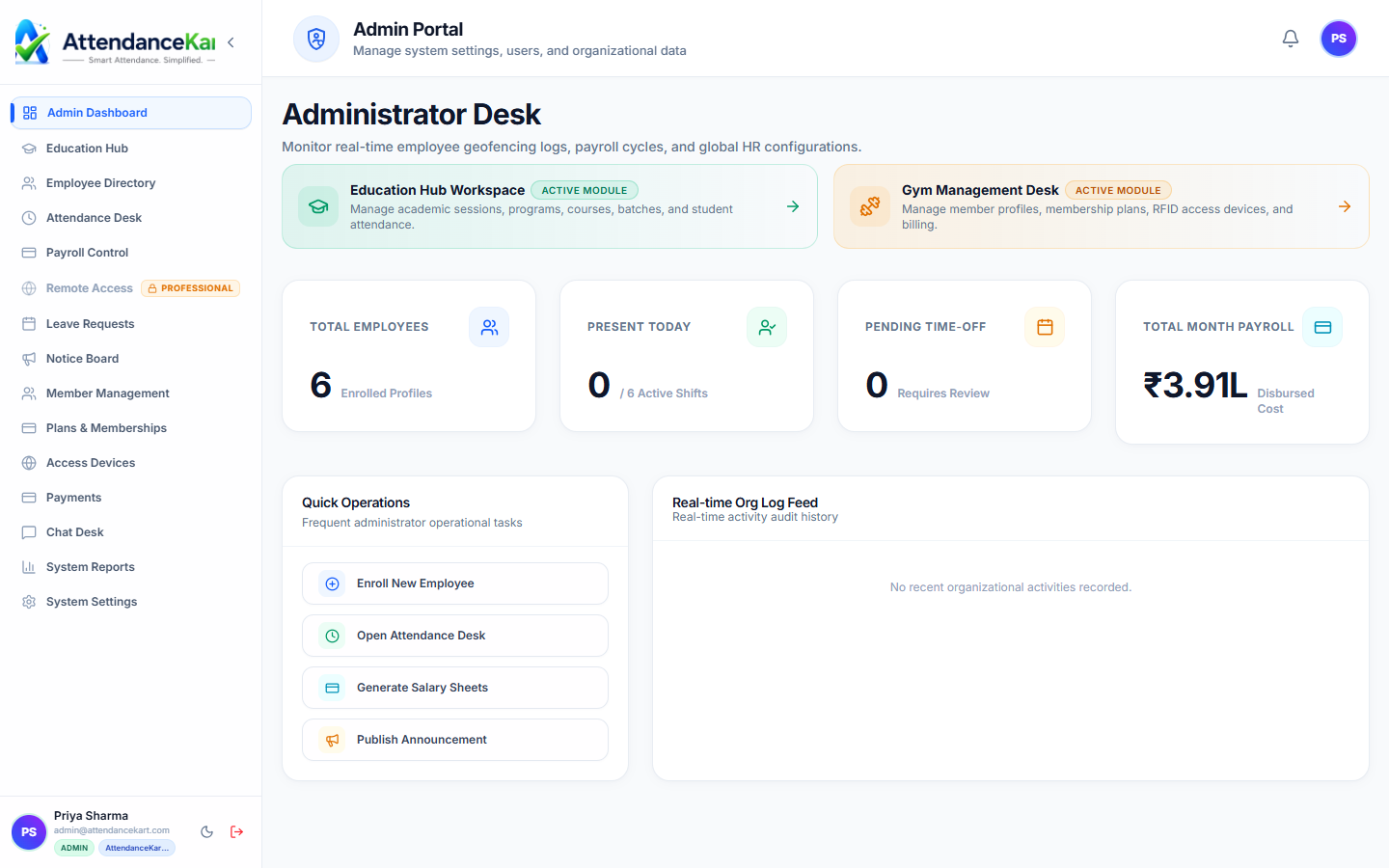
Built for real operations, not theoretical spreadsheets.
Operational challenge:Front Desk Check-ins provides receptionists or kiosk tablets with rapid member verification tools to confirm active subscription validity before admitting members to the floor.
Intended administrators:Front Desk Staff, Receptionists, Gym Floor Supervisors, Club Managers
Rapid 1-Touch Search
Look up members in under two seconds by name, phone number, or member ID number.
Instant Validity Color Badges
Clear visual Green (Active), Red (Expired), and Yellow (Due Soon) indicators prevent entrance errors.
Facial Biometric Kiosk Support
Optional tablet camera integration for automated hands-free member verification.
Real-Time Footfall Count
Displays current in-facility count and peak hour arrival distribution charts.
Explore Front Desk Check-ins Capabilities
Every feature below links directly to live screens in the AttendanceKart portal.
Executive Workforce Operations Dashboard
Gain complete visibility over your organization with real-time telemetry, employee statuses, and shift performance.
- Live workforce indicators and shift adherence metrics
- Department-level distribution and attendance percentages
- Immediate action buttons for pending approvals and notifications
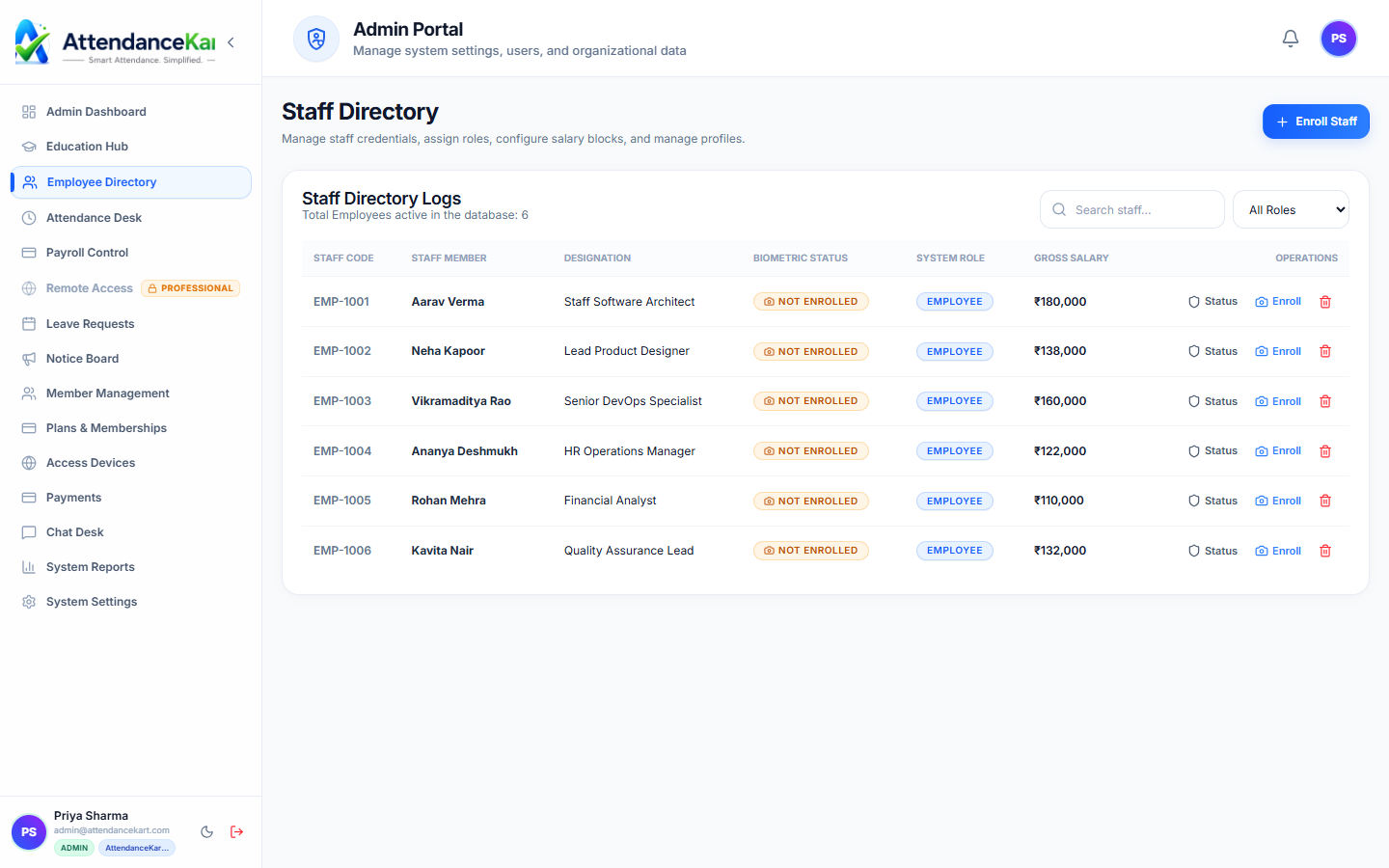
Complete Staff Roster & Profile Management
Maintain accurate employee records with roles, departments, salary packages, and biometric verification status.
- Centralized staff directory with search and filter capabilities
- Biometric enrollment tracking and status verification
- Role-based access control and administrative permissions
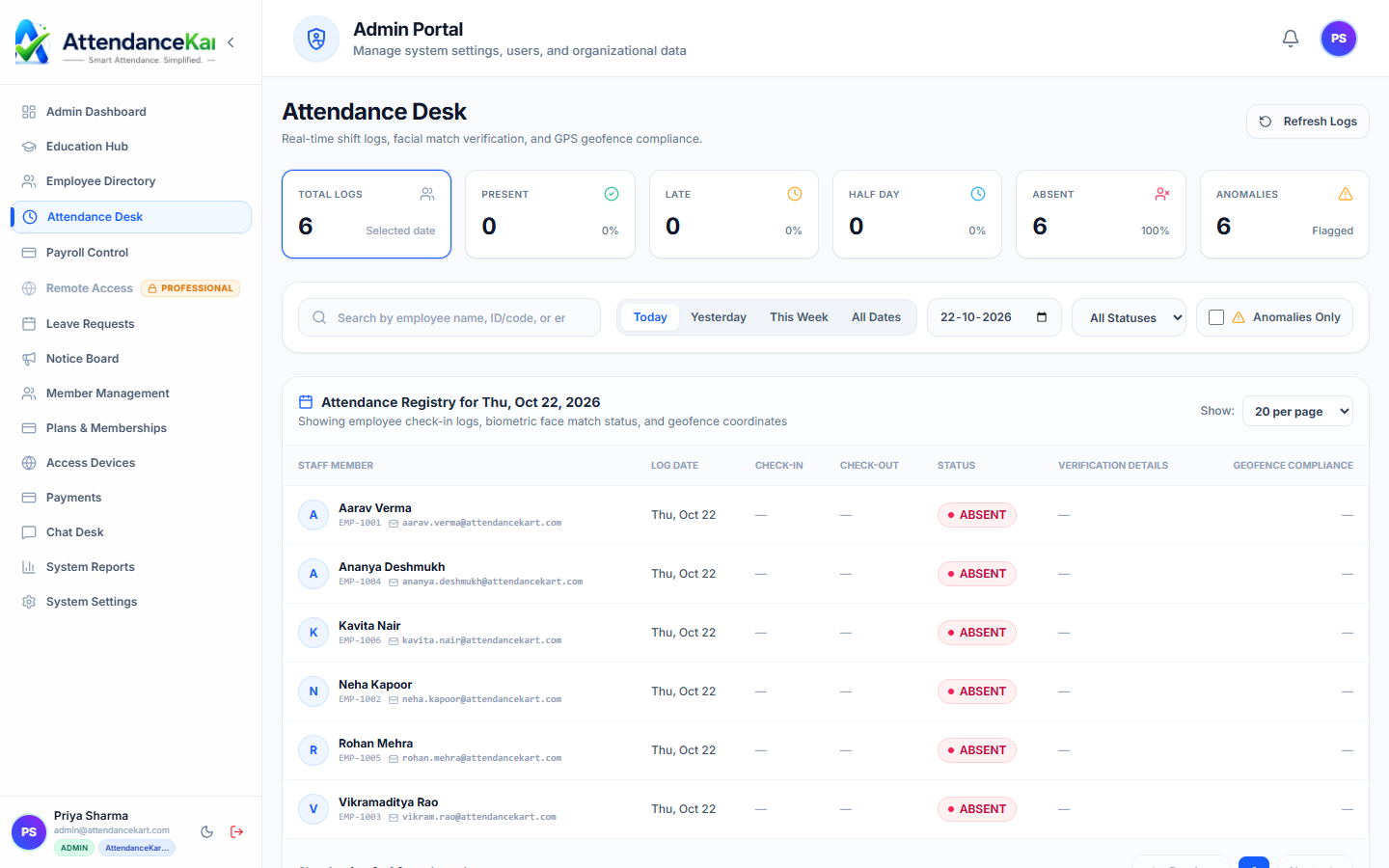
Live Attendance Desk with Verification Tagging
Monitor daily attendance events with high-precision timestamps and tamper-evident audit trails.
- Instant clock-in and clock-out logs from mobile, biometric, and web
- Automated flag detection for tardiness and shift anomalies
- One-click export to payroll processing
How Front Desk Check-ins Operates
Designed to eliminate manual overhead and maintain flawless operational records.
Member Arrives
Member approaches front desk or stands in front of the kiosk entrance camera.
Status Evaluated
System verifies membership validity date and payment status against the directory.
Visual Confirmation
Green welcome banner confirms active status, or an alert signals an expired package.
Footfall Logged
Visit timestamp is added to the member profile history and daily footfall tallies.
Benefits for Your Organization
Direct operational improvements backed by automated record-keeping.
Operational Benefit 01
Completely prevents unpaid or expired visits from eating into club resources.
Operational Benefit 02
Eliminates reception congestion during peak morning and evening gym rush hours.
Operational Benefit 03
Gives staff natural touchpoints to initiate renewal discussions before plans lapse.
Operational Benefit 04
Provides accurate footfall metrics to optimize equipment maintenance and class schedules.
Connected to Front Desk Check-ins
AttendanceKart works as an integrated suite. Discover other modules that expand your setup.
Frequently Asked Questions about Front Desk Check-ins
Realistic answers based on actual software capabilities and deployment options.
What happens when an expired member attempts to check in?
The screen displays a clear alert showing the expiry date, allowing reception staff to offer an immediate renewal on the spot.
Can the front desk check-in system run on a tablet or iPad?
Yes. The interface is optimized for both desktop monitors and touch-enabled reception tablets.
Does the check-in log show how many times a member visited this month?
Yes. Staff can view total visits this week and month to gauge member workout consistency.
Deploy Front Desk Check-ins for your organization
Experience real-time verification, transparent records, and seamless operations firsthand.