Central Subject Catalog, Syllabus Outlines, and Credit Allocations
Manage theoretical and practical subjects, course codes, weekly credit hours, and syllabus coverage criteria in one organized index.
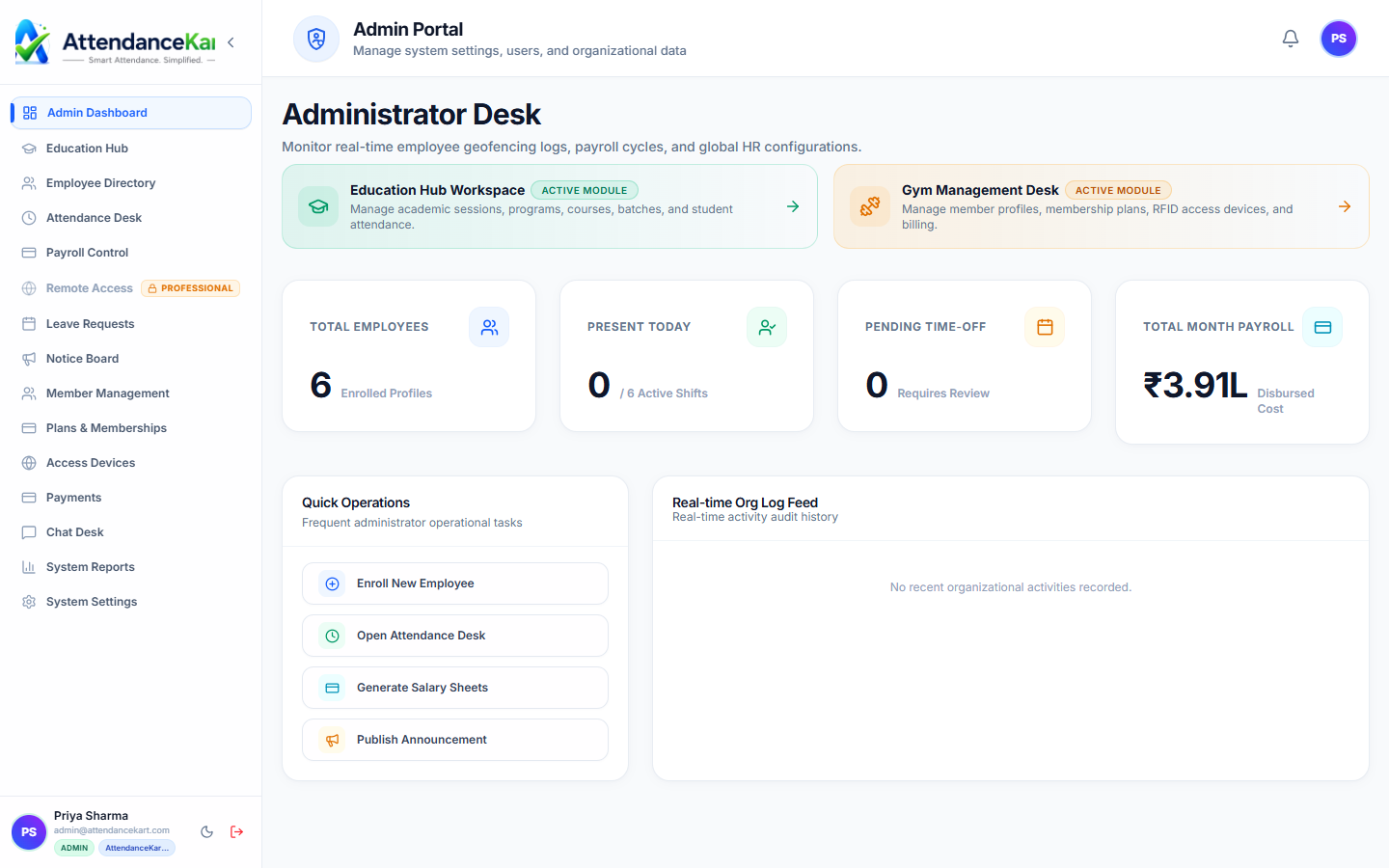
Live screenshot captured directly from the actual AttendanceKart admin portal.
Built for real operations, not theoretical spreadsheets.
Operational challenge:Courses & Subjects indexes every academic subject offered across departments, cataloging course codes, theory/lab hour allocations, and syllabus descriptions.
Intended administrators:Curriculum Designers, Department Heads, Course Instructors, Academic Registrars
Subject Indexing & Course Codes
Assign standardized course identifiers (e.g., CS101, MATH201, PHY102) across all disciplines.
Theory, Lab & Tutorial Classification
Specify teaching formats including lectures, laboratory practicals, and tutorial hours.
Credit Weighting & Pacing
Define course credits and recommended weekly contact hours for timetable planning.
Syllabus Topic Outlines
Store module breakdowns and key learning objectives for instructor teaching tracking.
Explore Courses & Subjects Capabilities
Every feature below links directly to live screens in the AttendanceKart portal.
Executive Workforce Operations Dashboard
Gain complete visibility over your organization with real-time telemetry, employee statuses, and shift performance.
- Live workforce indicators and shift adherence metrics
- Department-level distribution and attendance percentages
- Immediate action buttons for pending approvals and notifications
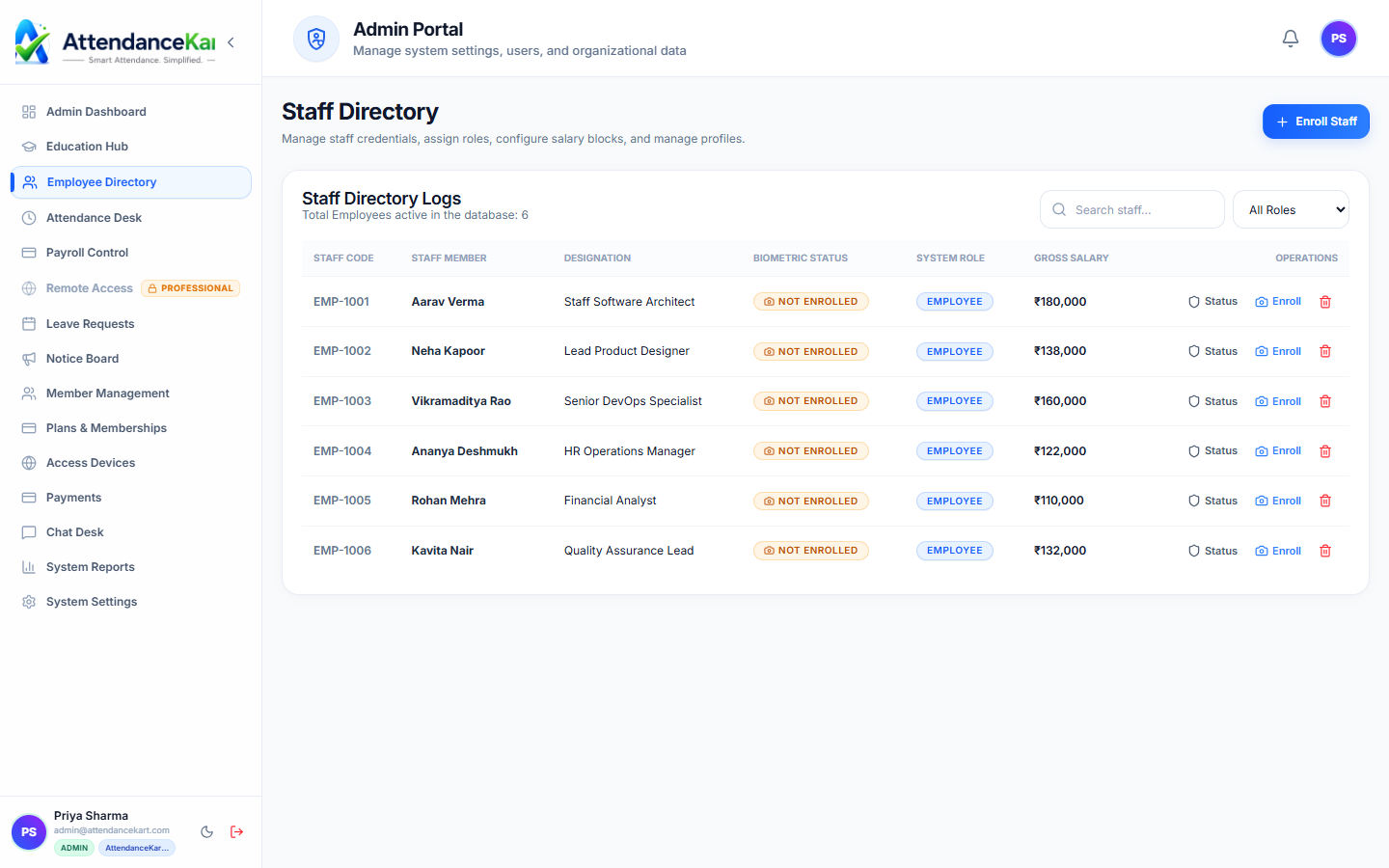
Complete Staff Roster & Profile Management
Maintain accurate employee records with roles, departments, salary packages, and biometric verification status.
- Centralized staff directory with search and filter capabilities
- Biometric enrollment tracking and status verification
- Role-based access control and administrative permissions
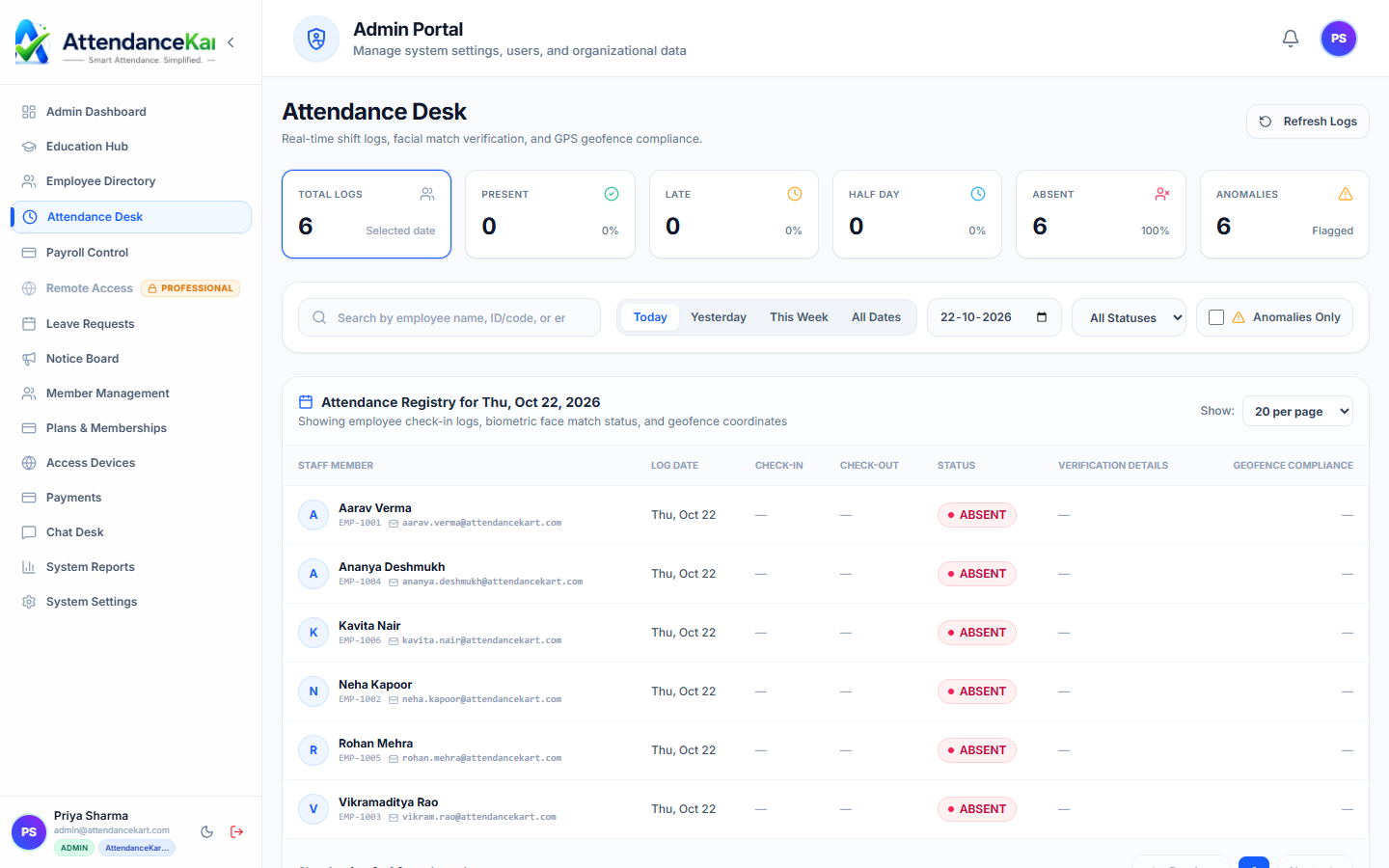
Live Attendance Desk with Verification Tagging
Monitor daily attendance events with high-precision timestamps and tamper-evident audit trails.
- Instant clock-in and clock-out logs from mobile, biometric, and web
- Automated flag detection for tardiness and shift anomalies
- One-click export to payroll processing
How Courses & Subjects Operates
Designed to eliminate manual overhead and maintain flawless operational records.
Create Subject Profile
Department enters course name, unique code, subject type (Theory/Lab), and credits.
Assign to Program
The subject is mapped to its appropriate academic program and semester.
Map Authorized Faculty
Qualified instructors are tagged as eligible course teachers.
Timetable Integration
The subject becomes available for scheduling in weekly class timetable slots.
Benefits for Your Organization
Direct operational improvements backed by automated record-keeping.
Operational Benefit 01
Eliminates duplicate course codes and disjointed department subject listings.
Operational Benefit 02
Ensures accurate credit calculations for student semester transcripts.
Operational Benefit 03
Gives timetable coordinators clear parameters for required weekly lecture hours.
Operational Benefit 04
Provides a consistent benchmark for tracking syllabus topic delivery across sections.
Connected to Courses & Subjects
AttendanceKart works as an integrated suite. Discover other modules that expand your setup.
Frequently Asked Questions about Courses & Subjects
Realistic answers based on actual software capabilities and deployment options.
Can courses be tagged as Core, Elective, or Audit?
Yes. Subjects can be categorized as Core Requirements, Department Electives, Open Electives, or Non-Credit Audits.
Can lab courses have different session duration requirements than lectures?
Yes. Lab courses can be configured for multi-hour continuous practical blocks in the timetable system.
Who can edit course syllabus descriptions?
Authorized department heads and academic curriculum administrators manage course catalog records.
Deploy Courses & Subjects for your organization
Experience real-time verification, transparent records, and seamless operations firsthand.