Teacher Profiles, Department Assignments, and Workload Balancing
Manage faculty profiles, academic specializations, weekly teaching hour allocations, and course assignments in one central roster.
Live screenshot captured directly from the actual AttendanceKart admin portal.
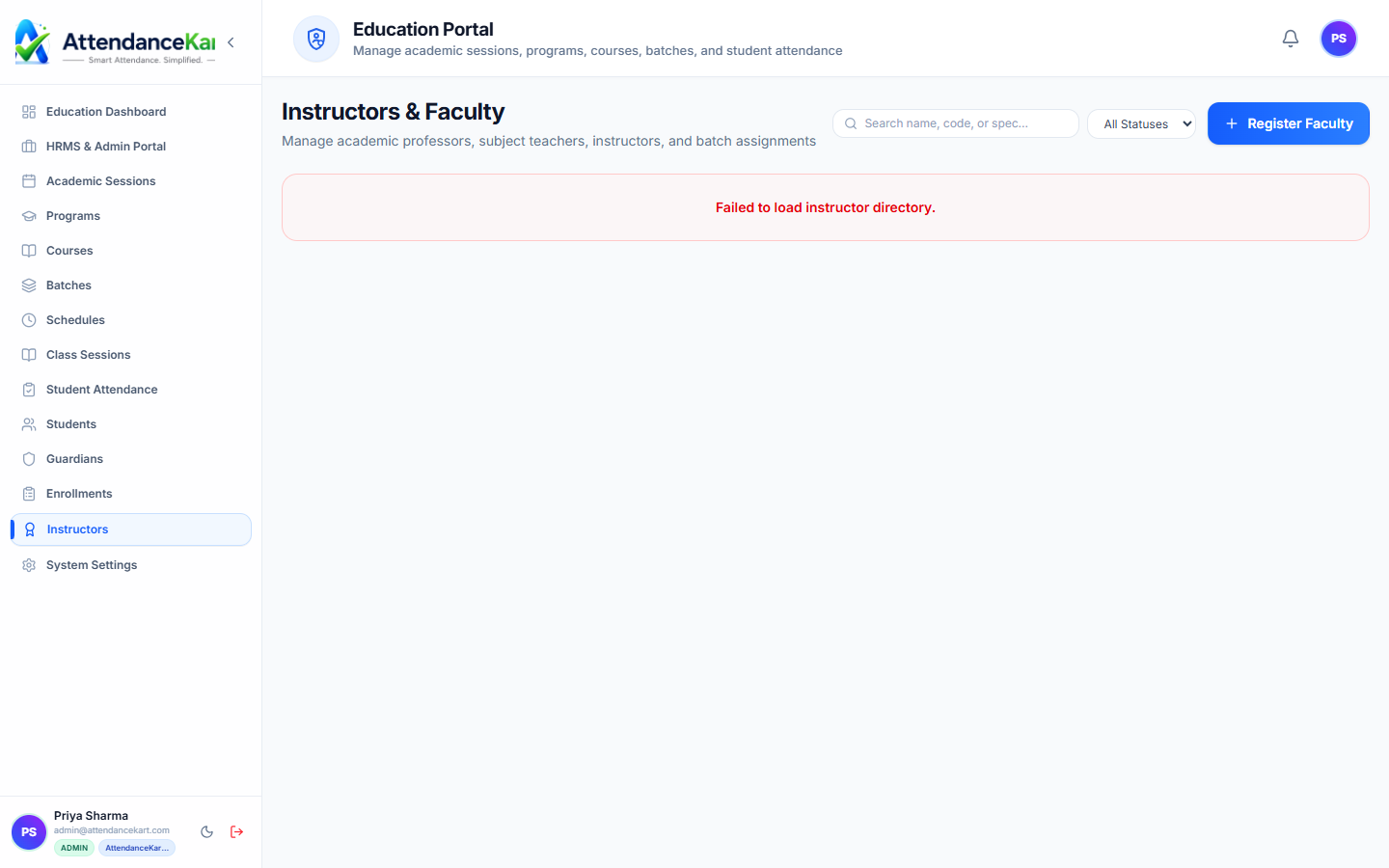
Built for real operations, not theoretical spreadsheets.
Operational challenge:Faculty & Instructors organizes your teaching staff, cataloging academic credentials, department affiliations, subject qualifications, and weekly lecture workload limits.
Intended administrators:Deans of Faculty, Department Chairs, Academic Registrars, HR Officers
Comprehensive Faculty Profiles
Store academic qualifications, designations (Professor, Asst. Professor, Lecturer), and contact info.
Departmental Affiliation
Assign instructors to governing academic departments (Mathematics, Computer Science, Economics).
Subject Specialization Tagging
Tag courses each instructor is qualified to teach, preventing mismatched course allocations.
Weekly Teaching Hour Caps
Monitor scheduled contact hours against departmental norms to prevent teacher burnout.
Explore Faculty & Instructors Capabilities
Every feature below links directly to live screens in the AttendanceKart portal.
Faculty Profiles & Teaching Allocations
Manage teaching staff, departmental assignments, designated course subjects, and academic workload.
- Instructor profiles with department and contact information
- Course subject allocations and batch assignments
- Faculty attendance and biometric check-in tracking
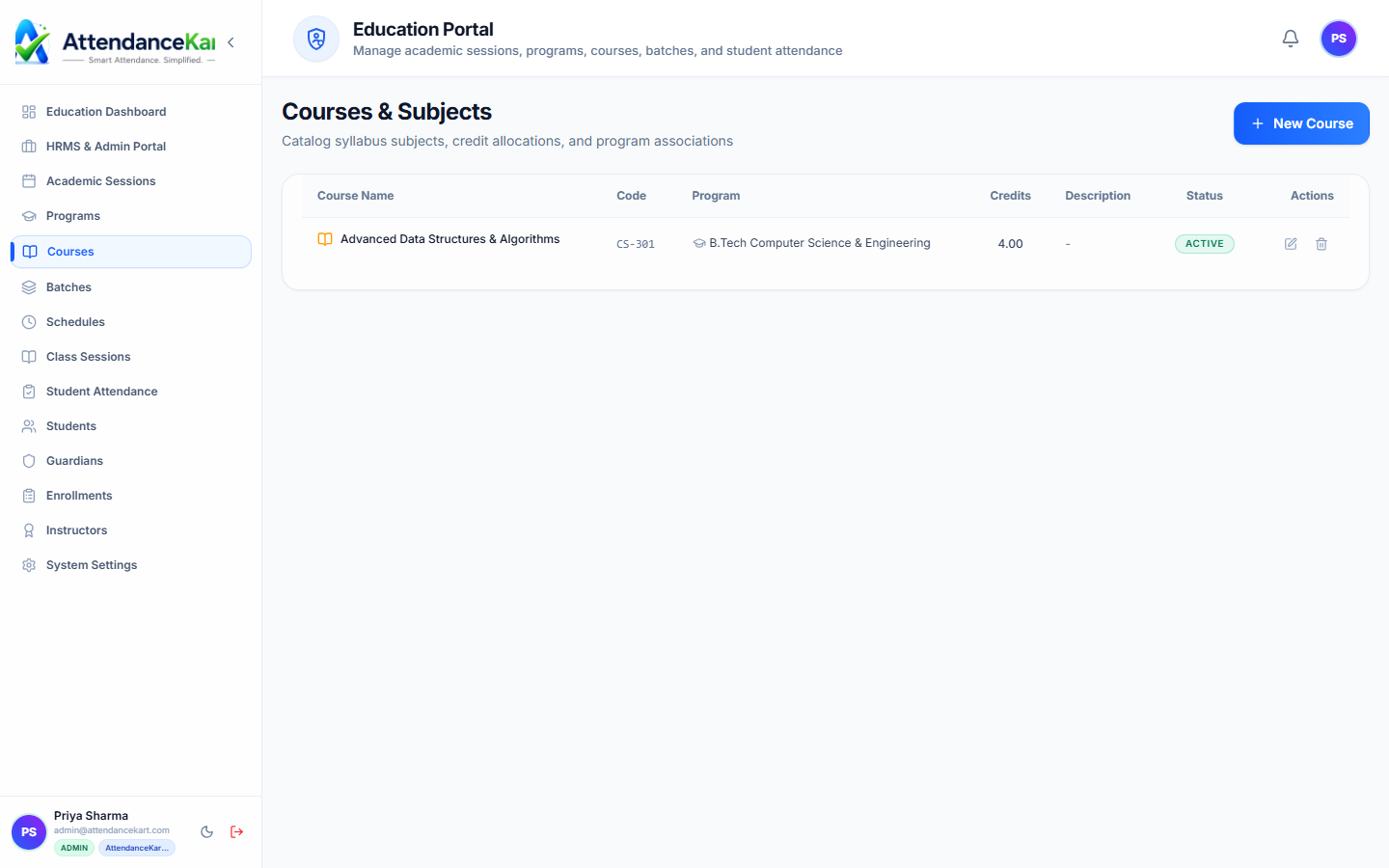
Course Catalog & Credit Allocation
Map instructors to specific course codes, academic credit requirements, and syllabus milestones.
- Program curriculums with course codes and credit weights
- Assign primary and co-instructors per subject
- Semester syllabus tracking and class schedule mapping
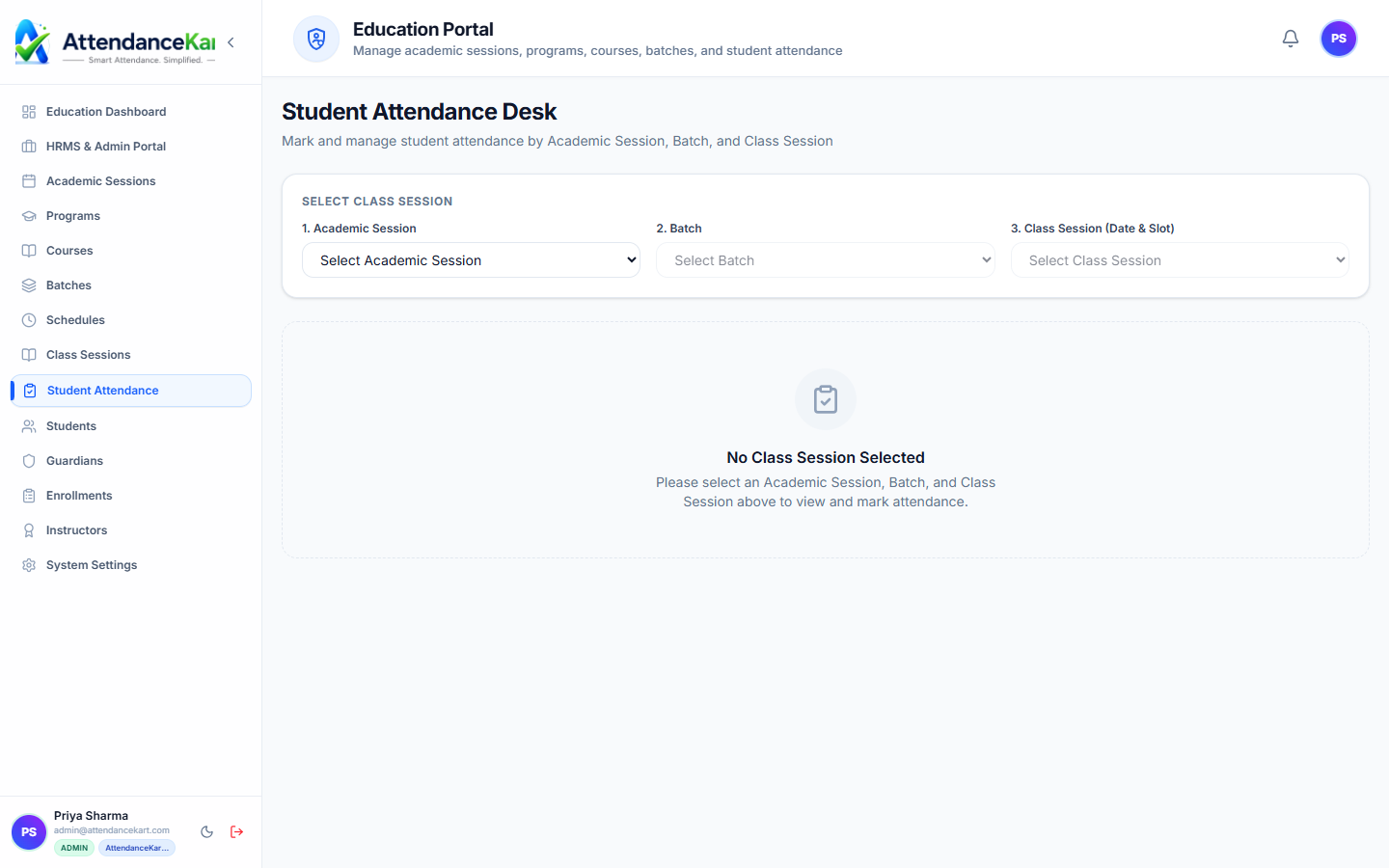
Instructor Roll Call & Session Monitoring
Instructors mark attendance during lectures with instant institutional sync.
- Fast roll call interface tailored for professors and lab assistants
- Real-time lecture attendance verification
- Syncs automatically with administrative dashboard
How Faculty & Instructors Operates
Designed to eliminate manual overhead and maintain flawless operational records.
Faculty Onboarded
HR or academic dean registers the faculty profile with qualifications and designation.
Courses Assigned
Department chair maps the instructor to authorized subjects for the active semester.
Timetable Coordinated
Timetable planners schedule lecture periods without exceeding weekly teaching hour limits.
Workload Monitored
Deans inspect workload distribution charts to ensure equitable teaching assignments.
Benefits for Your Organization
Direct operational improvements backed by automated record-keeping.
Operational Benefit 01
Prevents faculty burnout by monitoring weekly lecture contact hours across departments.
Operational Benefit 02
Ensures only qualified instructors are assigned to specialized syllabus subjects.
Operational Benefit 03
Provides instructors with clean, conflict-free personal weekly lecture calendars.
Operational Benefit 04
Simplifies statutory regulatory reporting regarding faculty qualifications and teacher-to-student ratios.
Connected to Faculty & Instructors
AttendanceKart works as an integrated suite. Discover other modules that expand your setup.
Class Timetables & Schedules
Schedule faculty into weekly period slots without double-booking.
Class Delivery Sessions
Allow faculty to log delivered syllabus lectures.
Education Analytics & Dashboard
Monitor faculty workload distributions across campus departments.
Frequently Asked Questions about Faculty & Instructors
Realistic answers based on actual software capabilities and deployment options.
Can faculty members teach subjects across multiple departments?
Yes. An instructor affiliated with Mathematics can be assigned to teach engineering or business statistics courses.
Can visiting or adjunct guest lecturers be managed in this module?
Yes. Faculty profiles can be categorized as Full-Time, Adjunct, or Visiting Guest Lecturer.
Does the system calculate faculty attendance and biometric check-ins?
Yes. Faculty can utilize the core Attendance Tracking and Kiosk features for daily staff biometric check-in.
Deploy Faculty & Instructors for your organization
Experience real-time verification, transparent records, and seamless operations firsthand.