Central Student Records, Academic Profiles, and Documents
Store comprehensive student profiles with roll numbers, photos, program details, contact info, blood group, and academic standing in one secure database.
Live screenshot captured directly from the actual AttendanceKart admin portal.
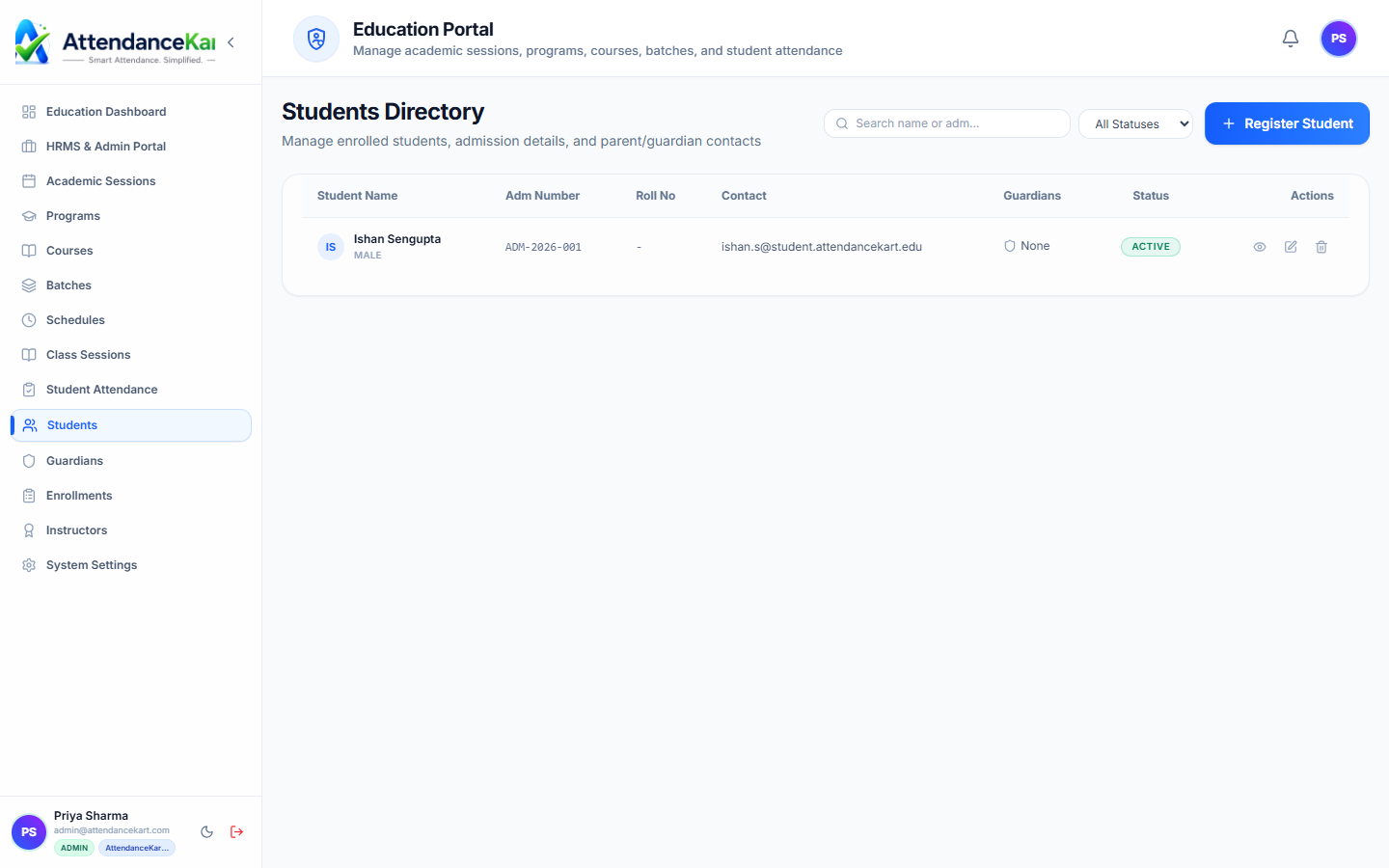
Built for real operations, not theoretical spreadsheets.
Operational challenge:Student Directory serves as the central institutional record repository for all enrolled pupils and college scholars, detailing program affiliations, contact info, and status history.
Intended administrators:Registrars, Admissions Officers, Class Teachers, Dean of Student Affairs
Comprehensive Scholar Profiles
Store Student ID, official roll number, full name, photo, DOB, gender, and blood group.
Program, Batch & Section Mapping
View current program, semester, batch, section, and assigned faculty mentor.
Instant Multi-Parameter Search
Locate students immediately by typing their name, roll number, registration ID, or email.
Academic Standing & History
Track active enrollment status: Active, On Leave, Suspended, Graduated, or Withdrawn.
Explore Student Directory Capabilities
Every feature below links directly to live screens in the AttendanceKart portal.
Complete Student Profiles & Enrollment Records
Centralized registry storing student demographics, enrolled program, batch assignment, and parent contact information.
- Roll number tracking and academic session association
- Emergency contact details and guardian profiles
- Fast search by name, roll code, or batch
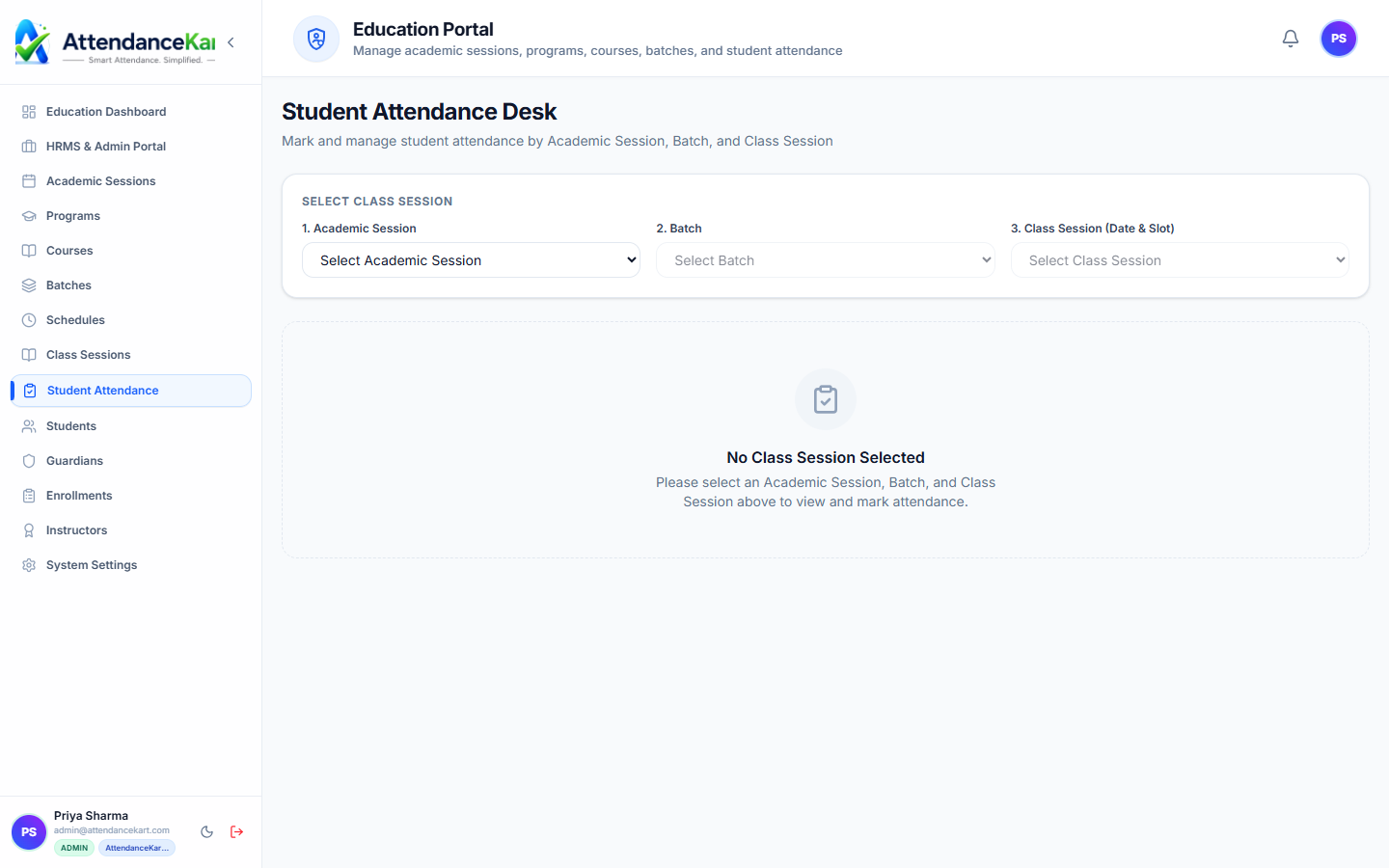
Attendance Linked to Student Records
Track historical attendance for every student across all semesters and course subjects.
- Cumulative attendance percentage per subject
- Audit log of excused absences and medical leaves
- Parent notification logs with delivery timestamps
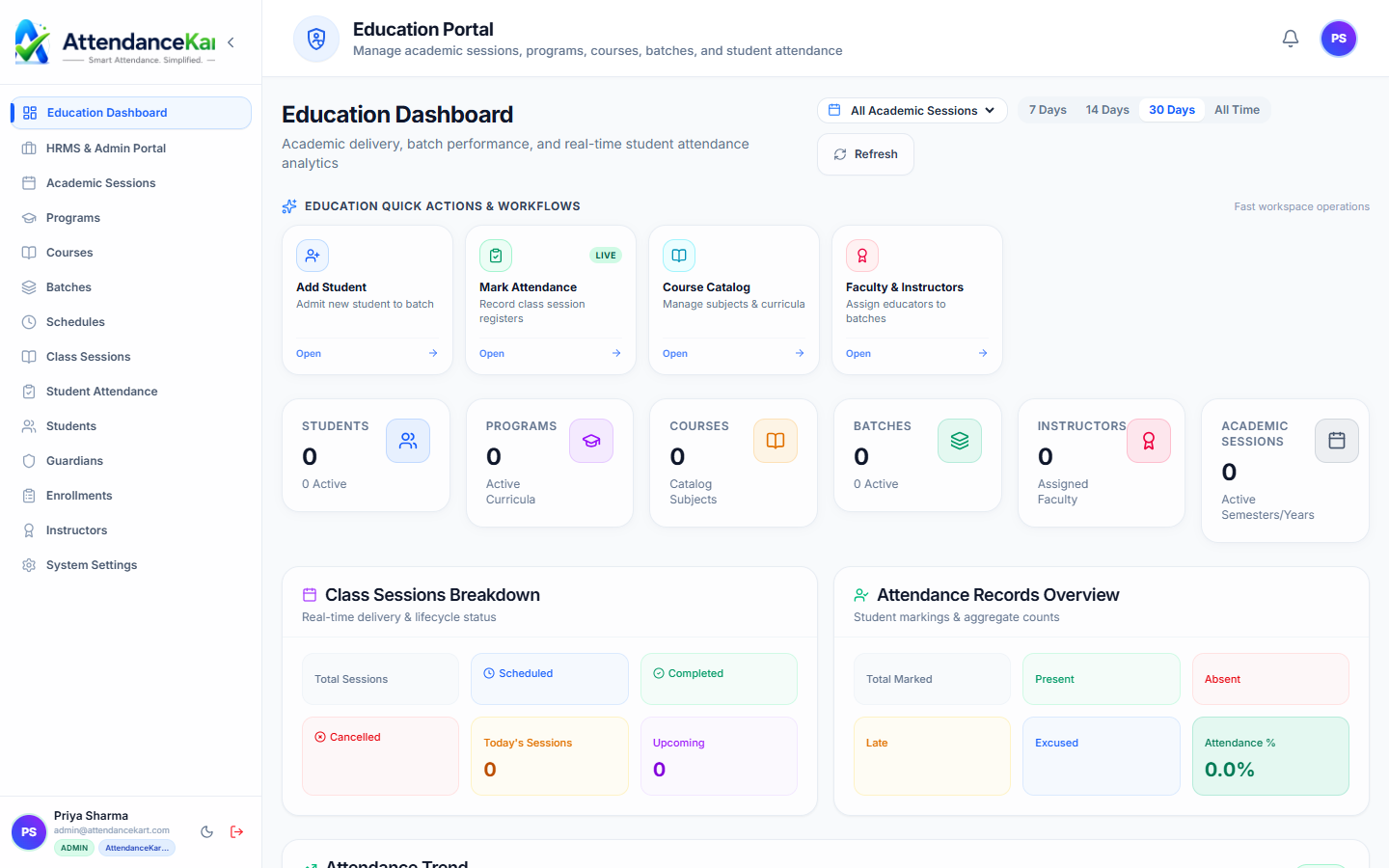
Campus Metrics & Program Distribution
Review total enrolled students across programs, active academic years, and batch capacities.
- Total enrollment counts across departments
- Batch size monitoring to maintain teacher-student ratios
- Central academic administration from a single interface
How Student Directory Operates
Designed to eliminate manual overhead and maintain flawless operational records.
Record Created upon Admission
Admissions team enters candidate details or imports verified enrollment lists.
Unique Student ID Assigned
A permanent institutional roll number and profile are created.
Linked to Cohort
The student is assigned to their academic program, batch, and section.
Maintained through Graduation
The profile accumulates attendance records, course history, and semester milestones.
Benefits for Your Organization
Direct operational improvements backed by automated record-keeping.
Operational Benefit 01
Eliminates lost student paper folders across multiple campus administration offices.
Operational Benefit 02
Enables rapid administrative verification during inquiries, exams, or campus emergencies.
Operational Benefit 03
Provides a consistent single source of truth for faculty mentors and counselors.
Operational Benefit 04
Maintains permanent historical student records for post-graduation transcript verification.
Connected to Student Directory
AttendanceKart works as an integrated suite. Discover other modules that expand your setup.
Frequently Asked Questions about Student Directory
Realistic answers based on actual software capabilities and deployment options.
Can student profile data be exported for government statutory filings?
Yes. Filtered student lists can be exported to Excel and CSV in standard institutional formats.
Who has permission to edit core student identity details?
Only authorized academic registrars have permission to edit legal names, roll numbers, and dates of birth.
Can photos be updated as students progress through multi-year degrees?
Yes. Profile photos can be updated during annual re-registration or ID card renewals.
Deploy Student Directory for your organization
Experience real-time verification, transparent records, and seamless operations firsthand.