Term Lifecycle Management, Academic Calendars, and Archival
Configure academic years, semester date boundaries, examination periods, and vacation schedules with complete historical data separation.
Live screenshot captured directly from the actual AttendanceKart admin portal.
Built for real operations, not theoretical spreadsheets.
Operational challenge:Academic Sessions defines institutional academic cycles (e.g., 2026-2027), subdividing them into semesters or terms with designated start, end, and holiday boundaries.
Intended administrators:Academic Registrars, Curriculum Planners, Institutional Administrators
Academic Year Definitions
Configure multi-month academic sessions (e.g., Fall 2026 - Spring 2027) with official calendar bounds.
Semester & Term Breakdown
Subdivide sessions into distinct Odd/Even semesters, trimesters, or annual school terms.
Session Status Lifecycle
Manage lifecycle stages: Upcoming, Active, and Archived with automatic permission locks.
Historical Session Archiving
Preserve student attendance, course grades, and batch records for graduated cohorts.
Explore Academic Sessions Capabilities
Every feature below links directly to live screens in the AttendanceKart portal.
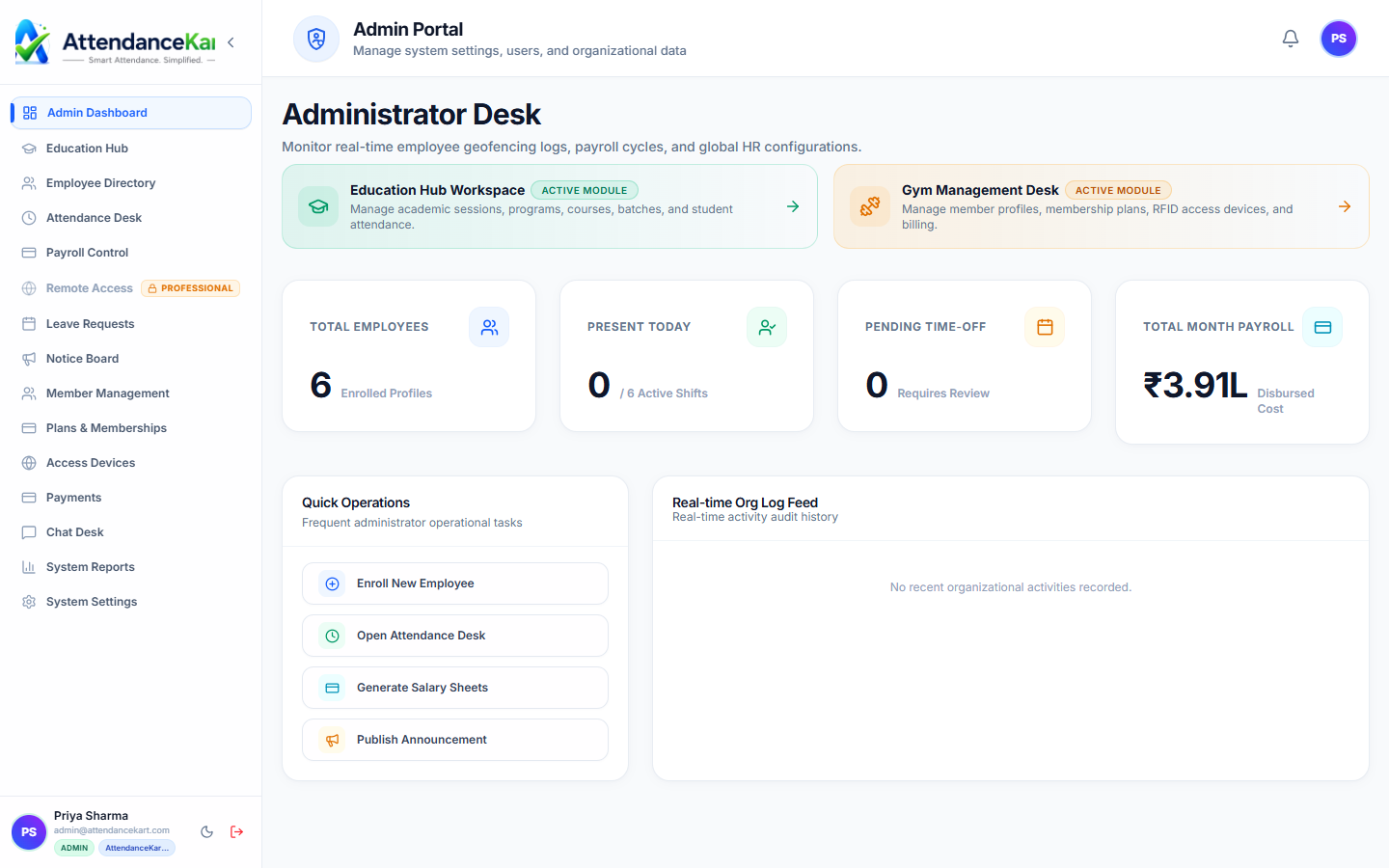
Executive Workforce Operations Dashboard
Gain complete visibility over your organization with real-time telemetry, employee statuses, and shift performance.
- Live workforce indicators and shift adherence metrics
- Department-level distribution and attendance percentages
- Immediate action buttons for pending approvals and notifications
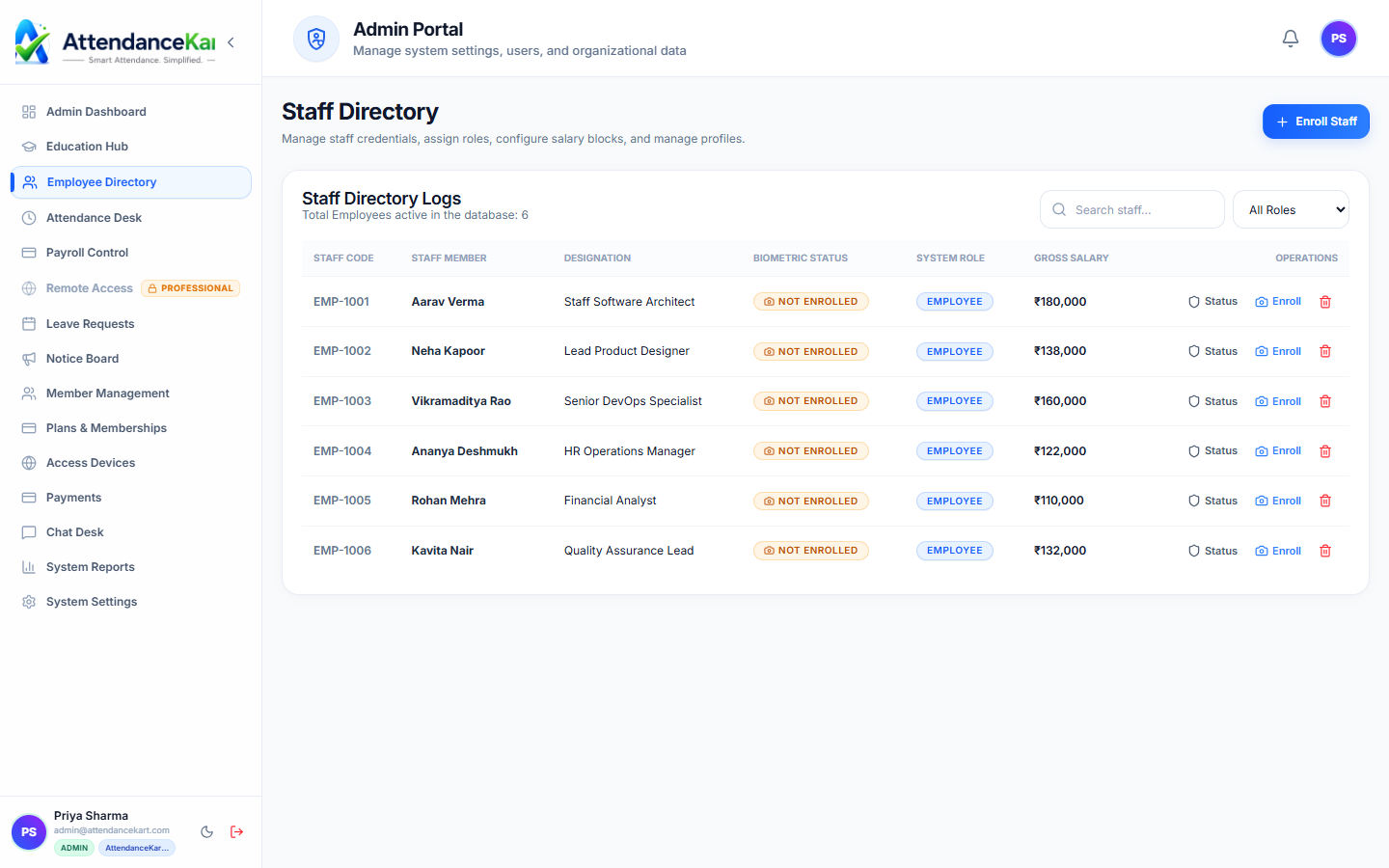
Complete Staff Roster & Profile Management
Maintain accurate employee records with roles, departments, salary packages, and biometric verification status.
- Centralized staff directory with search and filter capabilities
- Biometric enrollment tracking and status verification
- Role-based access control and administrative permissions
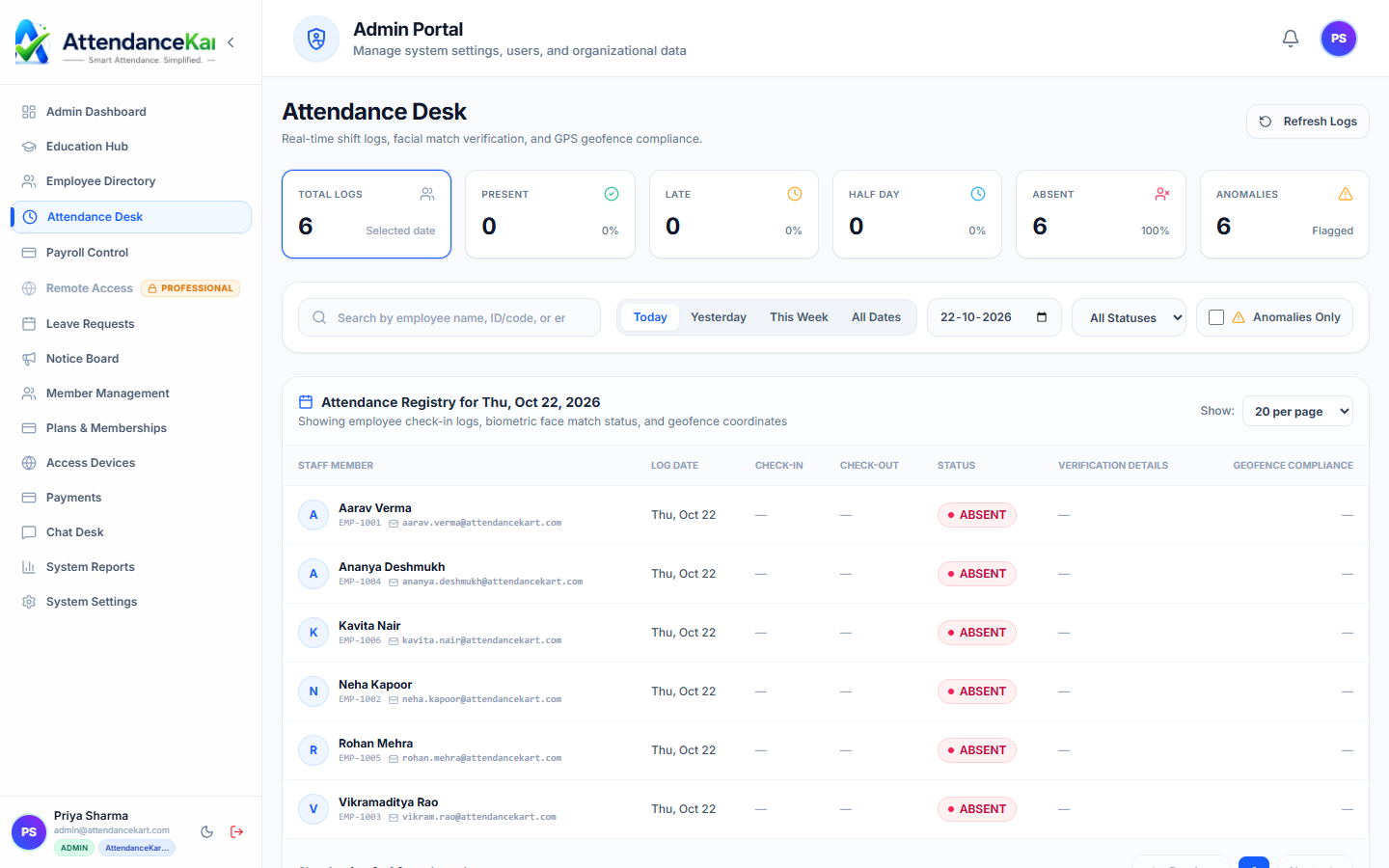
Live Attendance Desk with Verification Tagging
Monitor daily attendance events with high-precision timestamps and tamper-evident audit trails.
- Instant clock-in and clock-out logs from mobile, biometric, and web
- Automated flag detection for tardiness and shift anomalies
- One-click export to payroll processing
How Academic Sessions Operates
Designed to eliminate manual overhead and maintain flawless operational records.
Create New Session
Registrar defines the new academic year name, start date, and end date.
Configure Term Bounds
Terms and semesters are created with teaching weeks and exam schedules.
Link Programs & Batches
Academic programs, batches, and course timetables are mapped to the active session.
Archive on Completion
When the session concludes, records are locked into the institutional archive.
Benefits for Your Organization
Direct operational improvements backed by automated record-keeping.
Operational Benefit 01
Guarantees clean separation of historical academic records from current operations.
Operational Benefit 02
Prevents accidental changes to past semester attendance and grade books.
Operational Benefit 03
Standardizes term dates and examination schedules across all university departments.
Operational Benefit 04
Simplifies annual student promotion and new cohort admissions.
Connected to Academic Sessions
AttendanceKart works as an integrated suite. Discover other modules that expand your setup.
Frequently Asked Questions about Academic Sessions
Realistic answers based on actual software capabilities and deployment options.
Can past academic session records still be viewed after archiving?
Yes. Past sessions remain fully searchable in read-only mode for transcripts, audits, and verification.
Can institutions run overlapping sessions (e.g., different start dates for different programs)?
Yes. Multiple concurrent sessions can be maintained to accommodate different academic calendars.
What happens to active timetables when a session ends?
Session timetables are archived, allowing coordinators to clone or rebuild fresh timetables for the next term.
Deploy Academic Sessions for your organization
Experience real-time verification, transparent records, and seamless operations firsthand.